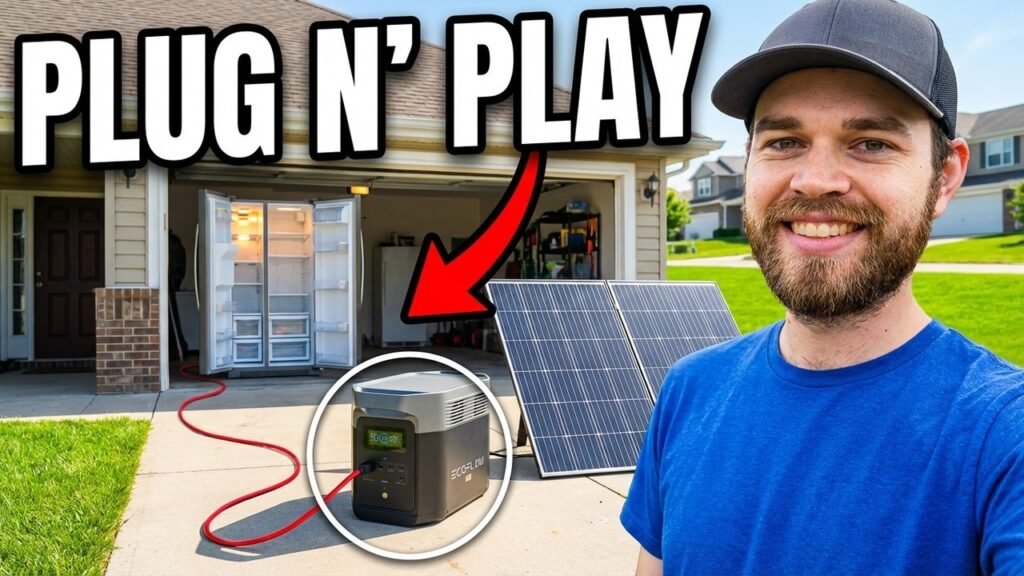
When the power goes out, knowing how to charge your portable power station from solar panels is a skill that’ll save your butt. This guide shows you how to hook up common solar arrays to portable generators and battery banks so you’re not left in the dark during a long outage. I’ll walk you through the exact connection sequence and what hardware you need to keep your gear running on nothing but sunlight.
Author: Shoestring Prep
⚡ Quick Guide: Solar Charging Essentials
- Check your power station’s input wattage and voltage limits in the manual first.
- Make sure the solar panel connector (5.5mm DC, Anderson, whatever) matches the station’s input port.
- Plug the panel in and watch the charge indicator light up.
- If you’re charging raw 12V batteries, use a dedicated MPPT controller so you don’t cook them.
📋 In This Article
- Technical Specifications & Components
- Tools & Materials Used — what you will need for this project
- Identify the Anderson Connector
- Check Battery Charge Status
- Verify Input Requirements
- Inspect DC Input Ports
- Confirm Voltage Compatibility
- Initiate Solar Charging
- Source Alternative Connectors
- Power On the Station
- Connect the MPPT Controller
- Monitor Charge Progress
- FAQ
📊 Technical Specifications & Components
| EnginStar Input Recommendation | 50W to 100W |
| DC Input Connector | 5.5mm barrel jack |
| Battery Type | Lithium-ion/LiFePO4 |
| Charge Controller | 10A 12V MPPT |
📊 Project Overview & Costs
🔧 Difficulty Level: Easy
⏱️ Time Investment: DIY: 15–30 minutes | Pro: 1 hour minimum charge
💰 Professional Service Cost: $120–$200
💡 Verdict: DIY setup only costs you cables and connectors. You're saving over $100 compared to paying someone else to do it.
Step-by-Step Assembly, Repair, Testing & Inspection
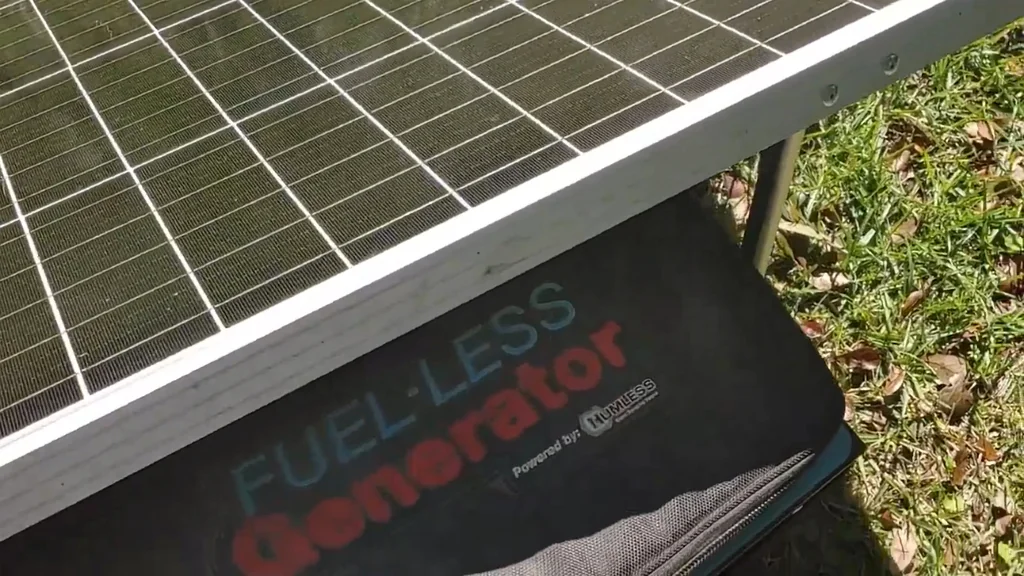
Identify the Anderson Connector
The Anderson connector is what ties your solar panel to the generator. Pop it apart and take a look at the contact points — you want to make sure there's no gunk or corrosion blocking a good connection. A clean contact means power actually flows the way it's supposed to.
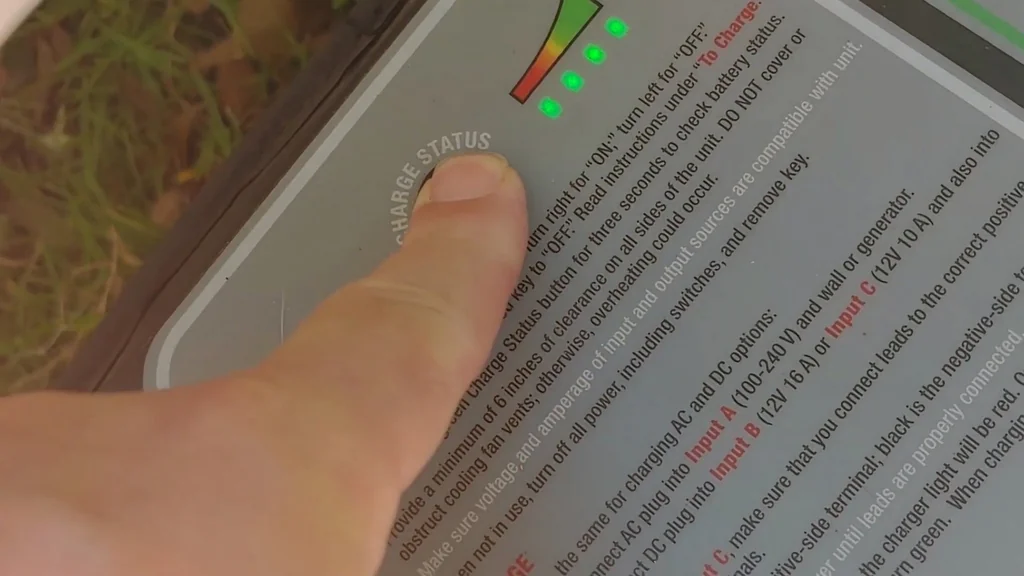
Check Battery Charge Status
Hit the status button to see where your battery's at. Even if it's showing a partial charge, putting the panel in direct sun will top it off. That way your backup power is ready to go when you actually need it.
Verify Input Requirements
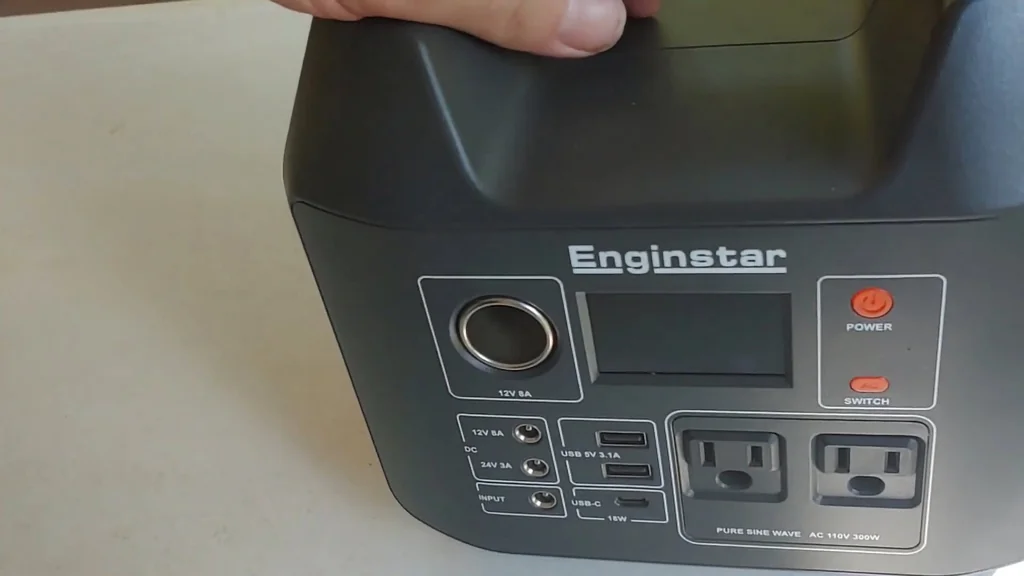
Yeah, I know — reading the manual sucks. But you need to know your device's wattage and voltage limits before you plug anything in. For the EnginStar 300W, the manufacturer says 50W to 100W input. A 100W panel sits right in that sweet spot, so you're charging efficiently without frying the internals.
Inspect DC Input Ports
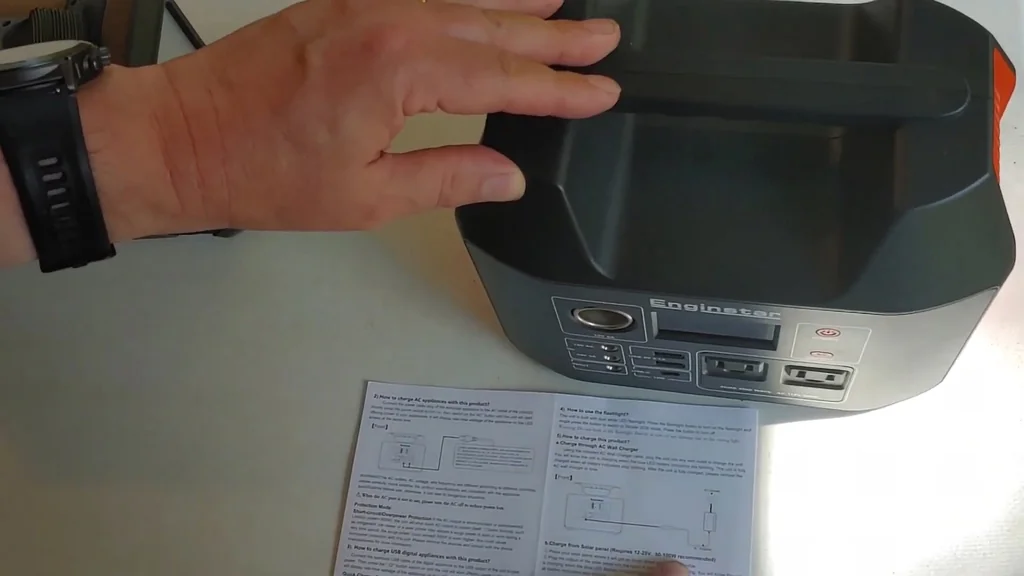
Find the DC input port on your station. The manual says this one takes a 5.5mm barrel connector — pretty standard for portable power banks. Getting the plug size right matters because a loose fit causes intermittent charging or arcing, and you don't want that.
Confirm Voltage Compatibility
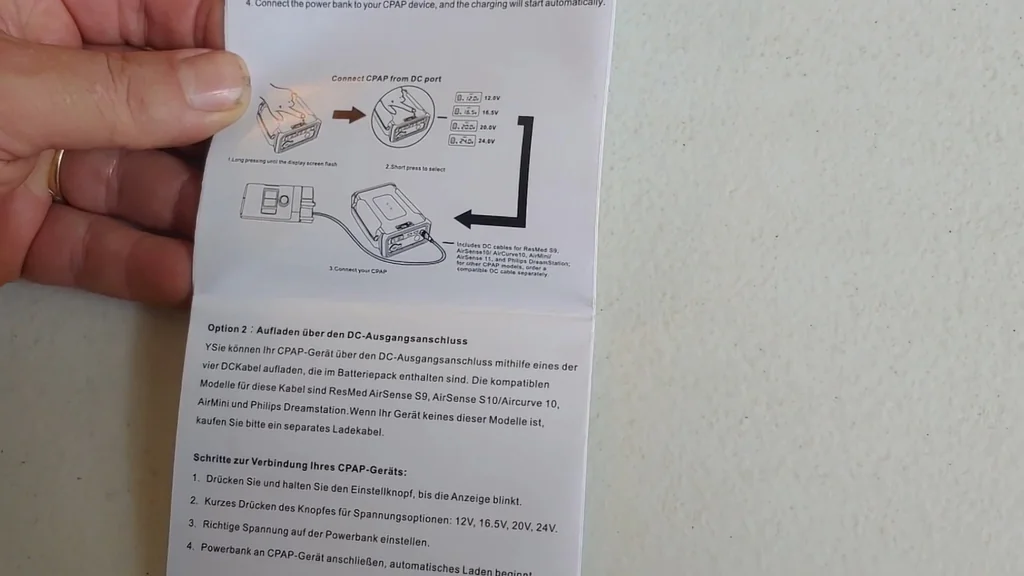
Double-check the voltage specs so the panel output doesn't blow past the station's input limit. Whether the manual says 50W–100W or 80W–100W, the goal is staying under the max while using the right 5.5mm connector to bridge the panel to the station.
Initiate Solar Charging
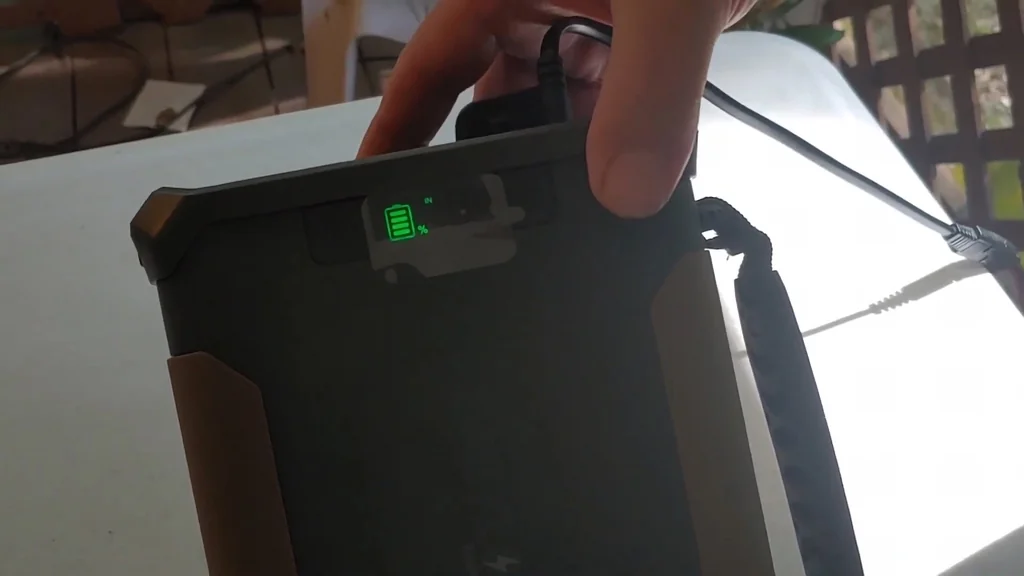
Plug the 5.5mm connector into the DC input and you're off. How long it takes depends on how drained the battery is and how much wattage your panel's putting out. Direct sunlight is your best friend here — that's what gets a depleted station back to full the fastest.
Source Alternative Connectors
If your panel and station use different connectors, you'll need an adapter. SAE to 5.5mm barrel jack adapters are everywhere online. If your device needs a 7mm or 8mm plug instead, order the right one before the grid goes down — don't wait until you're sitting in the dark.
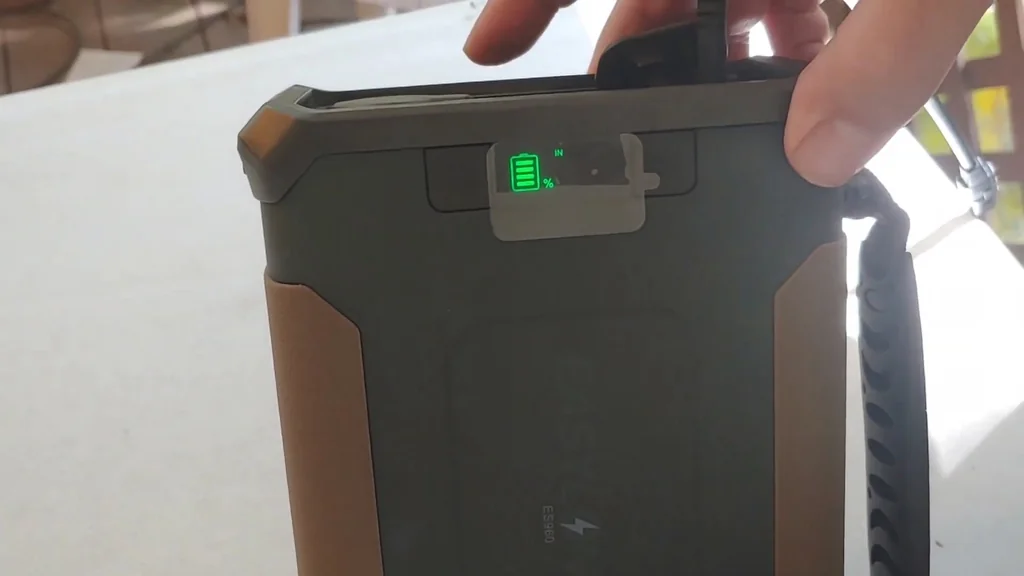
Power On the Station
The EnginStar needs the power switch flipped on before it'll take a charge. Turn it on first, then connect the panel. That way the internal management system sees the incoming DC current and starts the charging cycle right away.
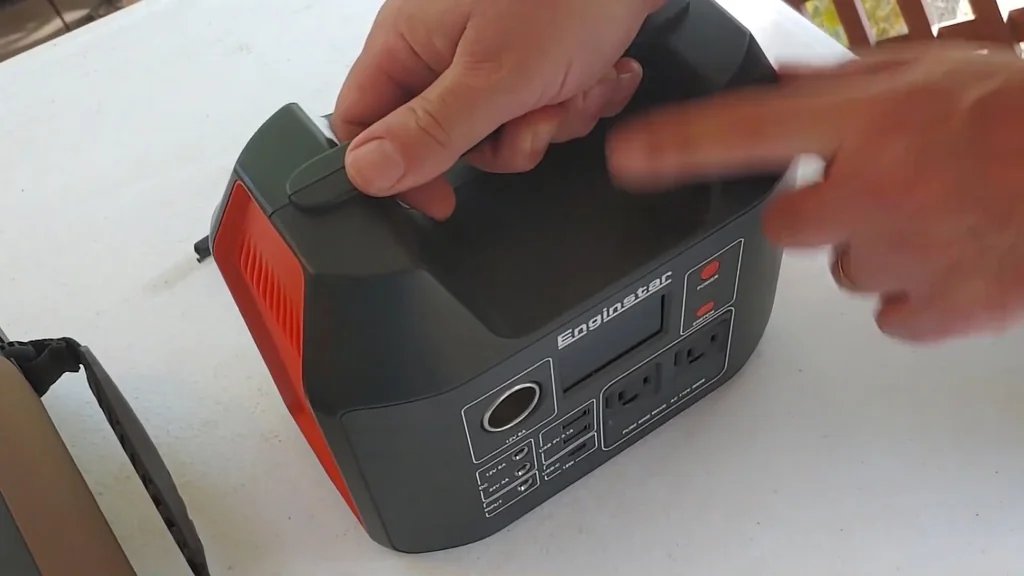
Connect the MPPT Controller
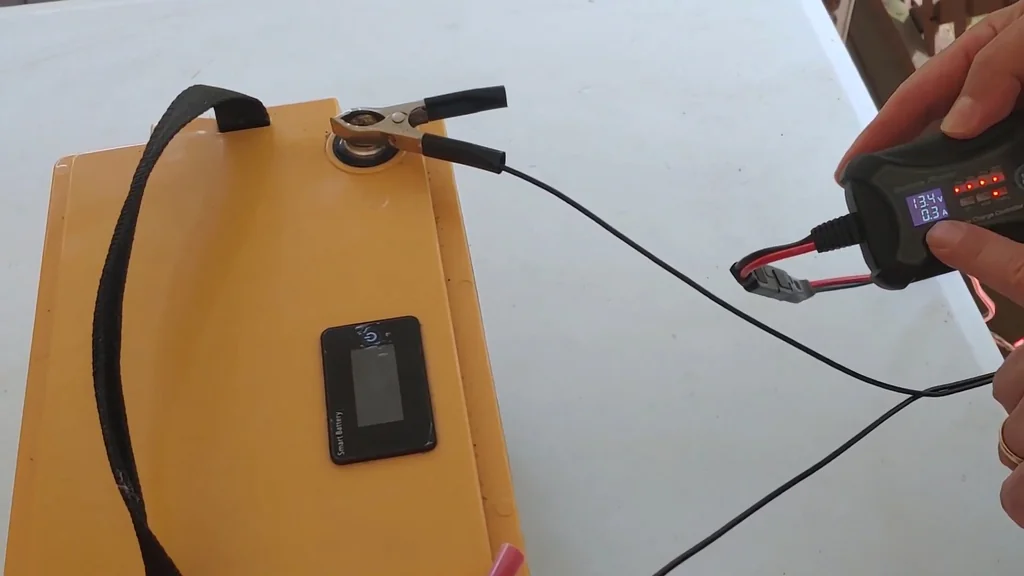
Charging raw batteries is a different ballgame. You need an MPPT controller to regulate voltage and prevent overcharging. Hook the controller to the battery terminals first, then connect the solar panel to the controller. That order matters — it lets the controller read the battery voltage before it starts pulling power from the panels.
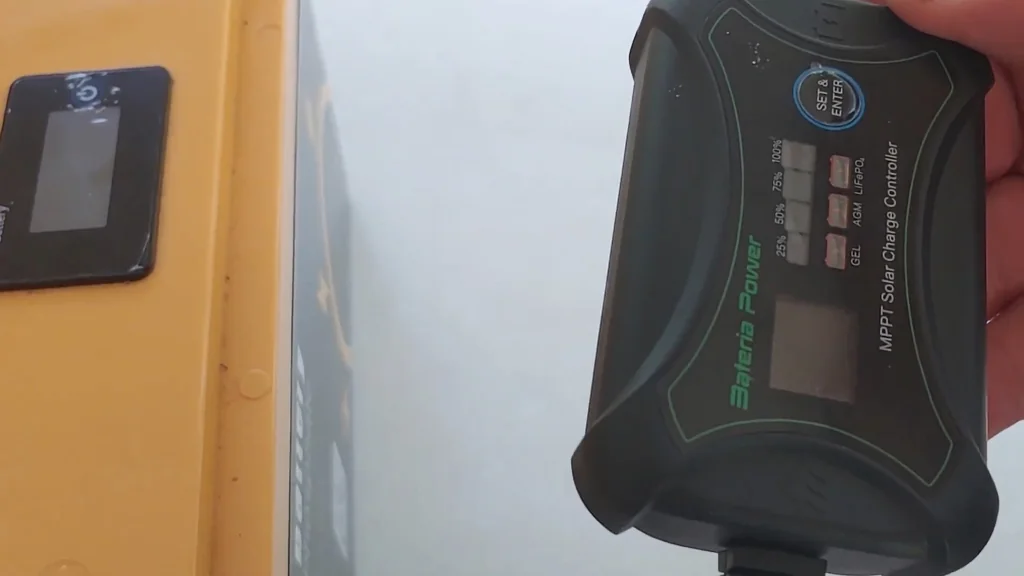
Monitor Charge Progress
Once everything's hooked up, the MPPT controller starts reading the solar panel voltage and managing current flow to the battery. This is different from charging an integrated power station — the controller is doing the regulation work here. Watching the display lets you confirm the charge cycle is active and running within safe parameters.
⚠️ CAUTION: SAFETY WARNING!
Always check polarity before connecting solar panels to power stations. Reverse polarity will fry the charging circuit permanently. Make sure every connection is tight to avoid arcing.
Summary & Tips
Charging your power station from solar comes down to matching your hardware's input requirements — connector size, wattage limits, all that stuff. For integrated stations, the built-in charge controller handles regulation, so it's basically plug-and-play with the right cable. But if you're working with raw batteries, don't skip the MPPT controller. That's what keeps you from overcharging and wrecking your gear. Keep your cables organized, actually read the manual, and test your setup before the grid goes down. That way you're not figuring it out in the dark when it really matters.
📋 FAQ
Can I charge any power station with any solar panel?
Nope. The panel's output voltage and wattage have to match what your power station can handle. Push too much voltage and you'll fry the internal controller. Check the manual for the supported input range and make sure the physical connector fits too.
Why do I need a charge controller for some batteries?
Raw batteries need a charge controller to regulate the voltage and current coming from the panel. Without it, the panel can push too much voltage and overcharge the battery, which leads to overheating or even a fire. Portable power stations have controllers built in, so you don't have to worry about it.
How long does it take to charge a power station with solar?
Depends on battery size, panel wattage, and how much sun you're getting. A 100W panel in full sun will charge a 300Wh station in roughly 3 to 5 hours. Clouds or shade will stretch that out considerably.
What's the right order for connecting a solar charge controller?
Battery first, then solar panel. Connect the battery to the controller so it can read the voltage and configure itself. Once the controller powers up, then you hook up the panels to the input side.
Disclaimer: I purchased all tools for this guide with my own money to ensure an unbiased review. This post contains affiliate links, meaning I earn a small commission if you make a purchase at no extra cost to you.