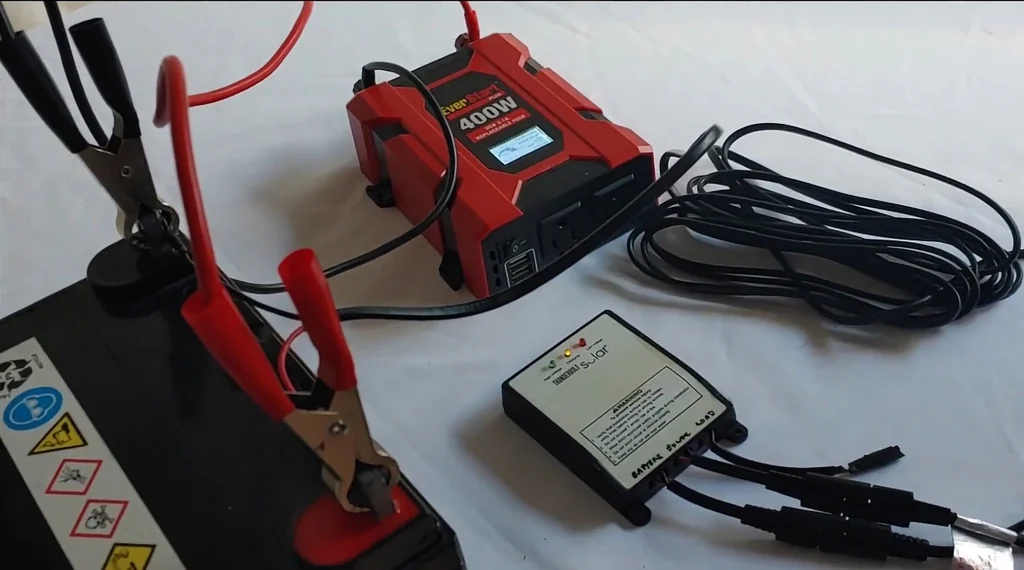
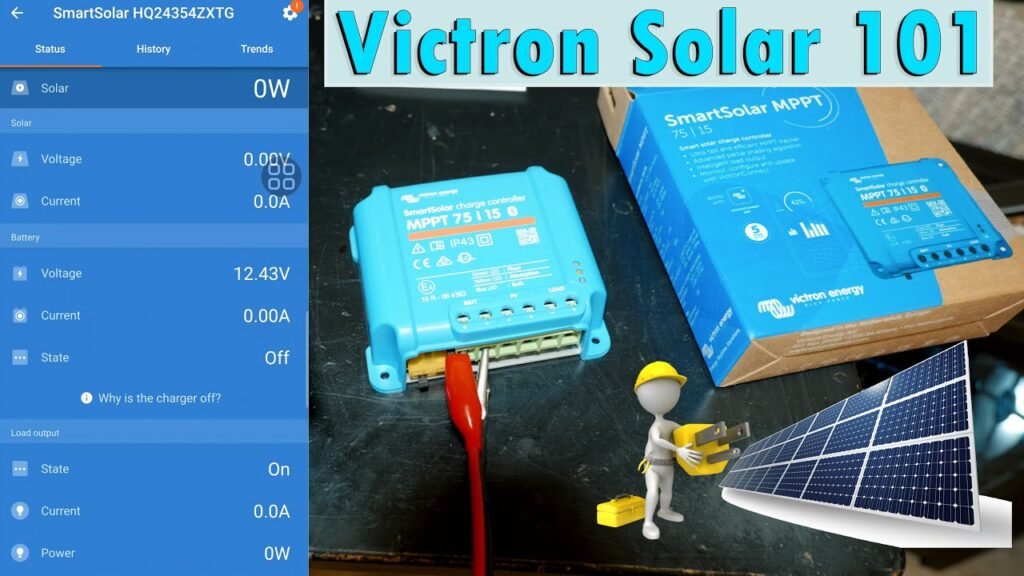
Setting up a solid off-grid power system comes down to matching your actual energy needs with gear that won’t let you down. This walkthrough covers how I put LiTime’s all-in-one solar inverter chargers to work on a real remote property. The beauty of these combined units is that they cut way down on wiring headaches and make it much easier to manage both solar input and battery storage — whether you’re outfitting a tiny house, an RV, or a cabin in the middle of nowhere.
⚡ Quick Guide: How to Make It in 14 Steps
- Figure out what your power draw actually looks like.
- Pick the right LiTime inverter charger for the job.
- Map out where the inverter and batteries will live.
- Take a close look at the terminal blocks on the back.
- Get that 3000W unit mounted properly.
- Tidy up the power distribution corner.
- Put up panels that fit within the system’s input limits.
- Double-check how all the off-grid pieces work together.
- Torque every connection to spec.
- Keep an eye on the readout from the digital display.
- Confirm the batteries are charging like they should.
- Run a load test to verify clean sine wave output.
- Make sure those inverters can breathe.
- Wrap it up and confirm everything’s running smoothly.
📋 In This Article
- Technical Specifications & Components
- Tools & Materials Used — what you will need for this project
- Initial System Assessment
- Equipment Inspection
- Site Layout Planning
- Terminal Block Review
- Inverter Panel Setup
- Power System Integration
- Solar Array Installation
- Off-Grid Landscape Evaluation
- Cable Management and Routing
- Battery Bank Connection
- System Configuration
- Load Testing
- Thermal Management Check
- Final System Verification
- FAQ
📊 Technical Specifications & Components
| LiTime 3500W 48V All | in-one Solar Inverter Charger: 3500W Output |
| LiTime 3000W 12V Inverter Charger | 3000W Pure Sine Wave Output |
📊 Project Overview & Costs
🔧 Difficulty Level: Medium
⏱️ Time Investment: DIY: 4-6 hours | Pro: 2-3 hours
💰 Professional Service Cost: $300 - $600
💡 Verdict: Going with all-in-one units saves a ton of time on install and cuts hardware costs compared to piecing together separate components.
🛠️ Tools & Materials Used
Step-by-Step Assembly, Repair, Testing & Inspection
Initial System Assessment
First thing I did was sit down and really think about what the Lucky Acres property actually needs to run day to day. The LiTime units are handy because they stuff the charge controller, inverter, and AC charger all into one box. That means fewer wires to run and fewer things to go wrong later.
Equipment Inspection
I spent some time looking over what came in the box. The integrated design is the real selling point here — you don't have a rat's nest of external connections between separate components. Everything's internal, which means fewer failure points and a much cleaner install.
Lucky Acres is pretty remote, so the setup has to be reliable. The physical layout matters a lot — you want the panels and inverter positioned so you're not losing voltage over long DC cable runs.
Terminal Block Review
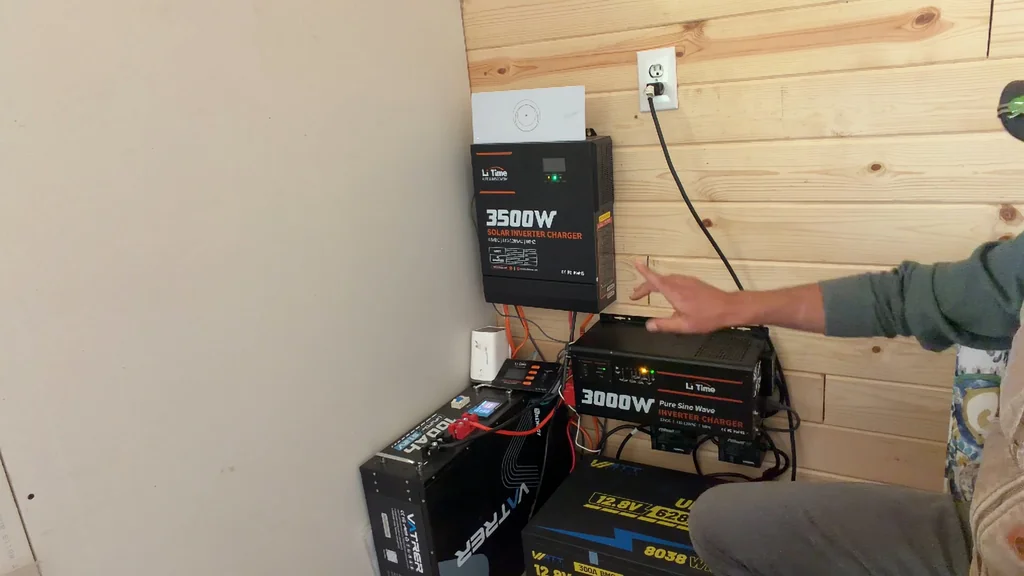
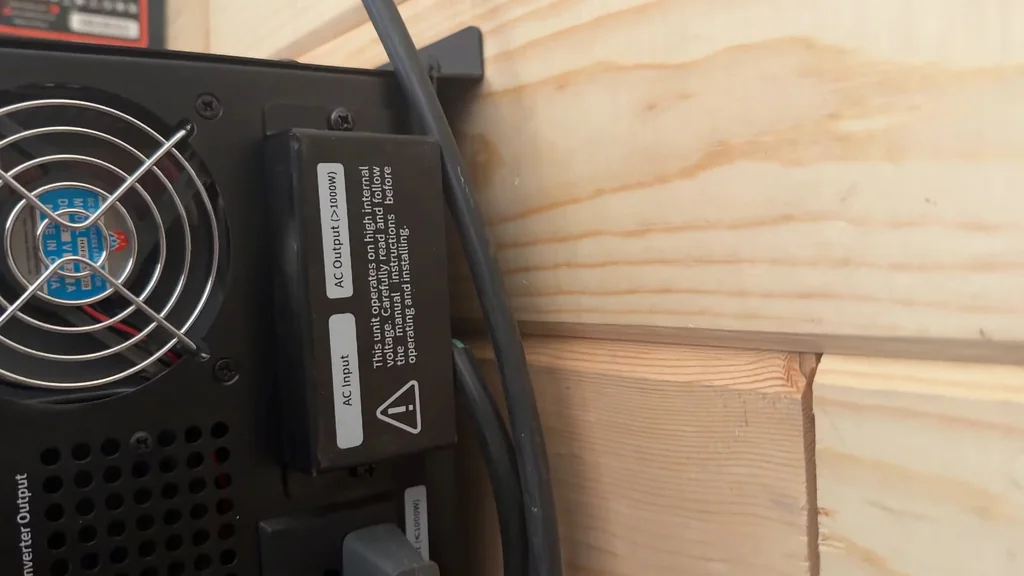
The back of the unit is where the magic happens — battery input on one side, AC output on the other. If these connections aren't snug, you're asking for heat problems when the current starts flowing.\n\n\n\nGetting the lug size right is just as important. A loose or undersized lug means resistance, and resistance means heat.
Inverter Panel Setup
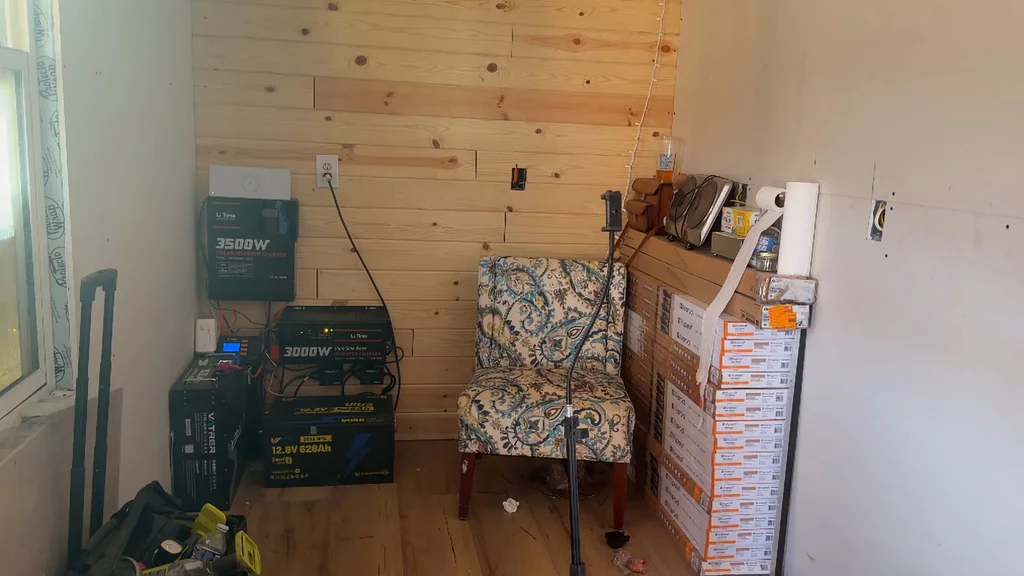
The 3000W LiTime got positioned where I can easily see the display and reach the controls. You don't want to be crawling around trying to check battery voltage or change settings after everything's bolted in place.
Power System Integration
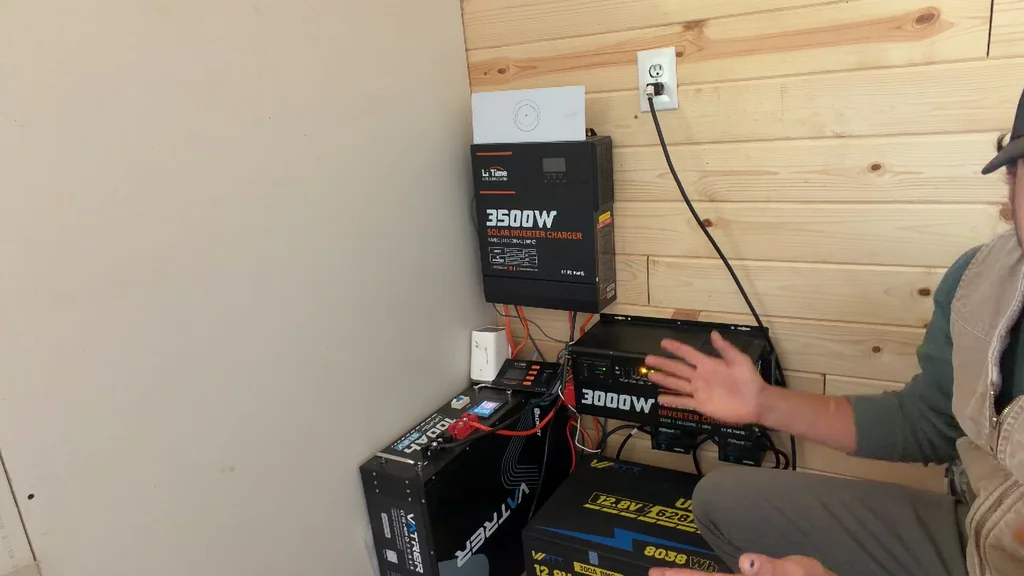
I kept the battery bank right next to the inverter on purpose. The shorter those thick battery cables are, the better. It's a basic rule for 12V and 48V systems alike — voltage drop adds up fast over distance.
Solar Array Installation
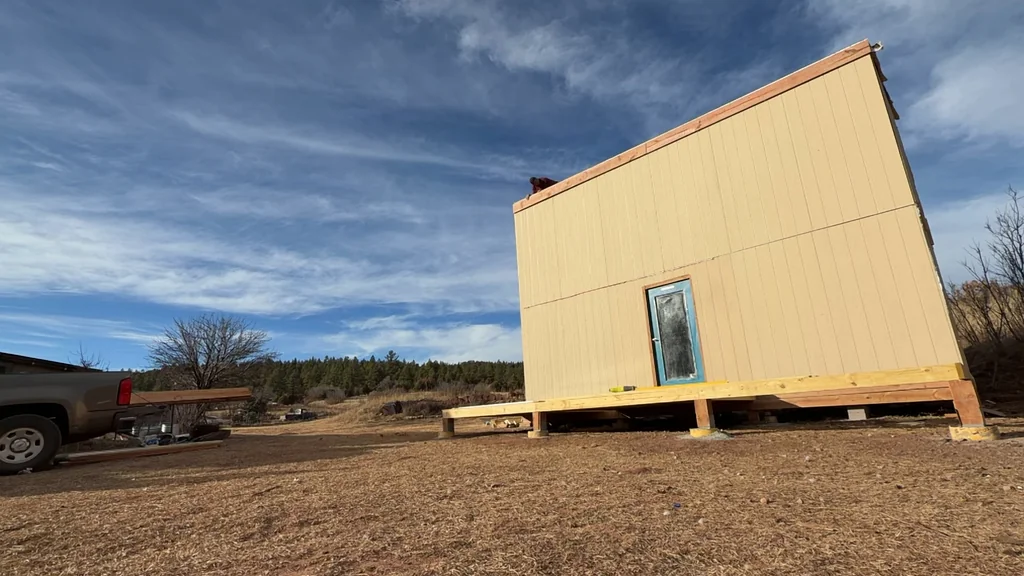
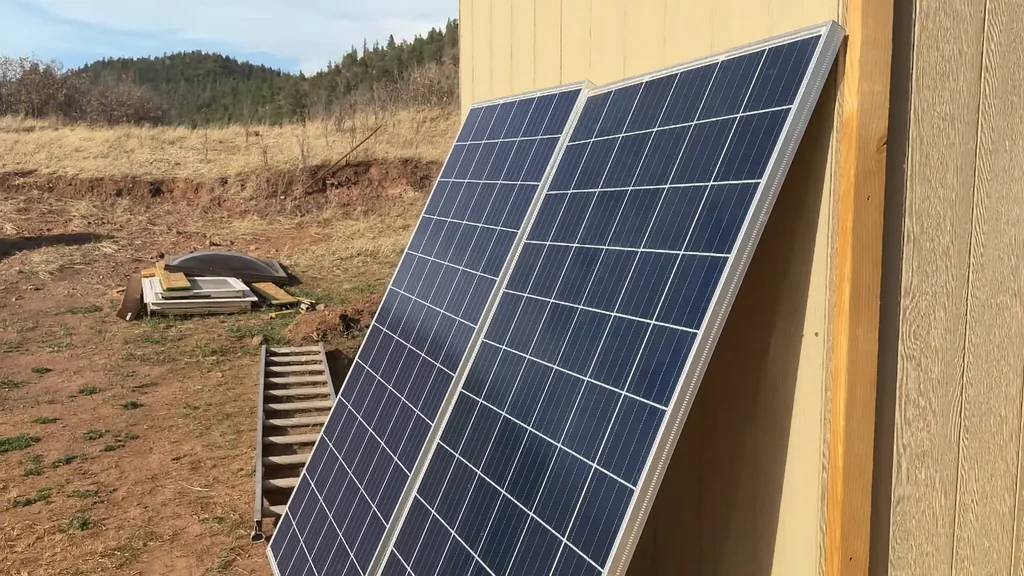
Two panels went up on the roof structure. They feed straight into the charge controller side of the all-in-one, keeping the batteries topped up during daylight hours without any extra fuss.
Off-Grid Landscape Evaluation
Out here, running power lines from the grid just isn't practical. That's what makes this kind of setup so valuable. The system's designed to deliver steady power no matter how far you are from civilization.
Cable Management and Routing
Cable routing doesn't get the glory, but it matters. I kept the high-current DC lines away from any signal wires to avoid interference. Plus, it just looks better and makes future maintenance way easier.
Battery Bank Connection
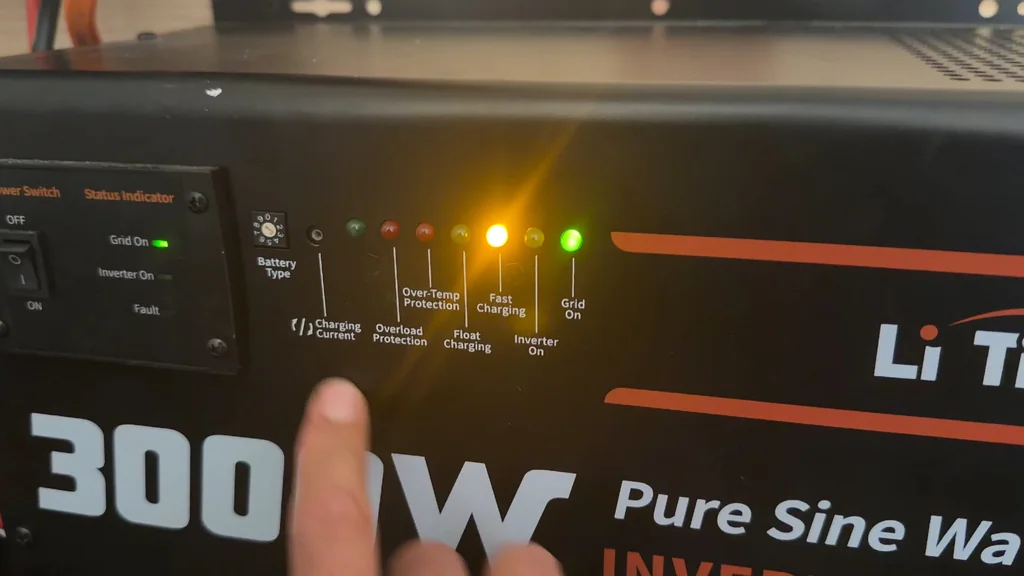
Hooked up the batteries using solid copper lugs and made sure every connection was torqued down to the manufacturer's numbers. Skimping here is how you end up with resistance issues down the road.
System Configuration
The inverter needs to know what kind of batteries it's dealing with. I set it up for LiFePO4 chemistry — get this wrong and you'll shorten the lifespan of your expensive battery bank real quick.
Load Testing
Time to see if it actually works. I put a load on the inverter to check the sine wave output. This matters if you're running laptops, medical gear, or anything else that doesn't tolerate dirty power.
Thermal Management Check
The cooling fans need to kick in when things heat up. If airflow is restricted, the internal components will cook themselves over time. Simple as that.
Final System Verification
Everything's buttoned up and running. The display shows solar coming in and battery output going out — exactly what we want to see. This setup is officially ready for daily use.
⚠️ CAUTION: SAFETY WARNING!
Battery banks and solar arrays pack serious current and can arc if you're not careful. Kill the power before touching anything and make sure every connection is properly insulated before flipping the switch back on.
Summary & Tips
The LiTime all-in-one approach made this off-grid install a lot smoother than it would've been with separate components. Fewer boxes, fewer wires, fewer headaches. The system's been running reliably and delivering power exactly where it's needed. Keep an eye on the connections and give it some basic maintenance now and then, and this setup should last for years.
📋 FAQ
❓ Why go with an all-in-one inverter charger?
Honestly, it just makes life easier. The charge controller, inverter, and AC charger are all in one housing, so you're dealing with way less wiring and saving a good chunk of space.
❓ Do I really need a pure sine wave inverter?
If you're running anything with a circuit board — computers, TVs, medical devices — then yes, absolutely. Modified sine wave inverters can cause interference or even fry sensitive electronics.
❓ How do I make sure my connections won't fail?
Grab a torque wrench and tighten everything to the specs in the manual. And make sure you're using wire that's thick enough for the current you're pulling. Undersized wire is a recipe for heat and voltage drop.
❓ Do I need to worry about ventilation?
Yeah, inverters heat up under load. Give them some breathing room or the thermal protection will shut you down — or worse, something will burn out.
Disclaimer: I purchased all tools for this guide with my own money to ensure an unbiased review. This post contains affiliate links, meaning I earn a small commission if you make a purchase at no extra cost to you.