When a 12kW inverter goes dark, it’s usually a sign that the power electronics have taken a hit. Dealing with high-capacity solar gear requires a steady hand and a good eye for burnt components. We’re breaking down the process of swapping out a faulty motherboard and getting the unit back on the grid. It’s not a job for the faint of heart, but it’s often the only way to save a expensive piece of hardware.
⚡ Quick Guide: How to Make It in 10 Steps
- Open the chassis and inspect the internal board layout.
- Carefully adjust and secure the motherboard mounting screws.
- Check for signs of thermal damage on power transistors.
- Reassemble the main inverter housing components.
- Verify all internal connectors are seated properly.
- Calibrate internal board components for optimal output.
- Use a ratchet to secure heavy-duty power bolts.
- Inspect heatsinks for proper thermal contact.
- Power up and monitor the display for output readings.
- Verify load performance and troubleshoot low output issues.
📋 In This Article
- Technical Specifications & Components
- Tools & Materials Used — what you will need for this project
- Initial Inspection and Board Alignment
- Securing the Power Board
- Identifying Burnt Transistors
- Assembling the Inverter Housing
- Verifying Internal Connectors
- Calibrating Board Components
- Tightening High-Current Bolts
- Inspecting Heatsink Contact
- Initial Power-Up and Monitoring
- Troubleshooting Low Power Output
- FAQ
📊 Technical Specifications & Components
| Inverter Capacity | 12kW |
| System Type | Off-Grid Solar Inverter |
| Component Focus | Motherboard and Power Transistors |
| Cooling Method | Passive Heatsink Array |
| Connection Type | High-Current Busbar Terminals |
📊 Project Overview & Costs
🔧 Difficulty Level: Hard
⏱️ Time Investment: DIY: 3-4 hours | Pro: 1-2 hours
💰 Professional Service Cost: $250 - $400
💡 Verdict: Replacing the board is significantly cheaper than buying a new 12kW inverter.
Step-by-Step Assembly, Repair, Testing & Inspection
Initial Inspection and Board Alignment
First thing — get the chassis open and clear the dust. You're looking for any signs of arcing or loose hardware on the main control board. The screws holding the board to the standoffs need to be snug, but don't go crazy with the torque. If they're loose, the board flexes and you get intermittent signal issues. It's a simple fix. Just make sure everything is seated flat before you move on.
Securing the Power Board
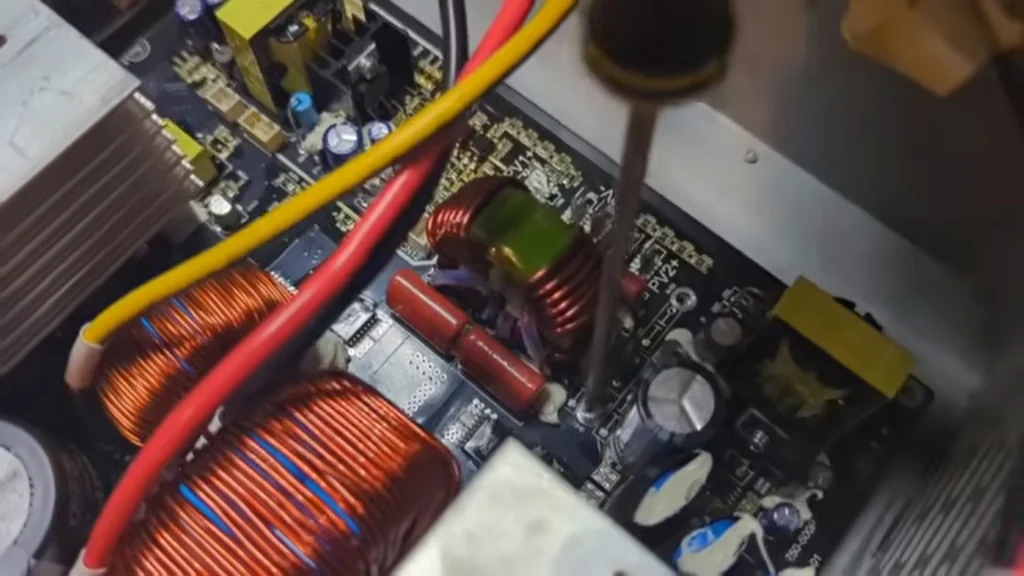
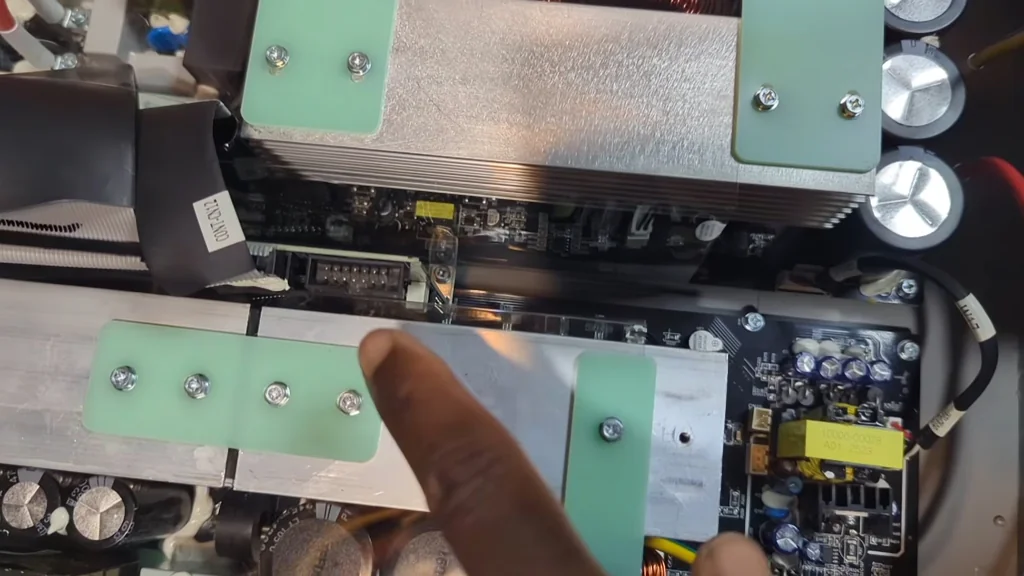
Next, focus on the power board. These boards carry heavy current, so every connection point needs to be rock solid. I've seen plenty of these fail because a single screw wasn't tightened down, leading to high resistance and heat build-up. It's a classic mistake. Tighten the fasteners in a cross pattern to ensure even pressure across the board. No surprises here.
Identifying Burnt Transistors
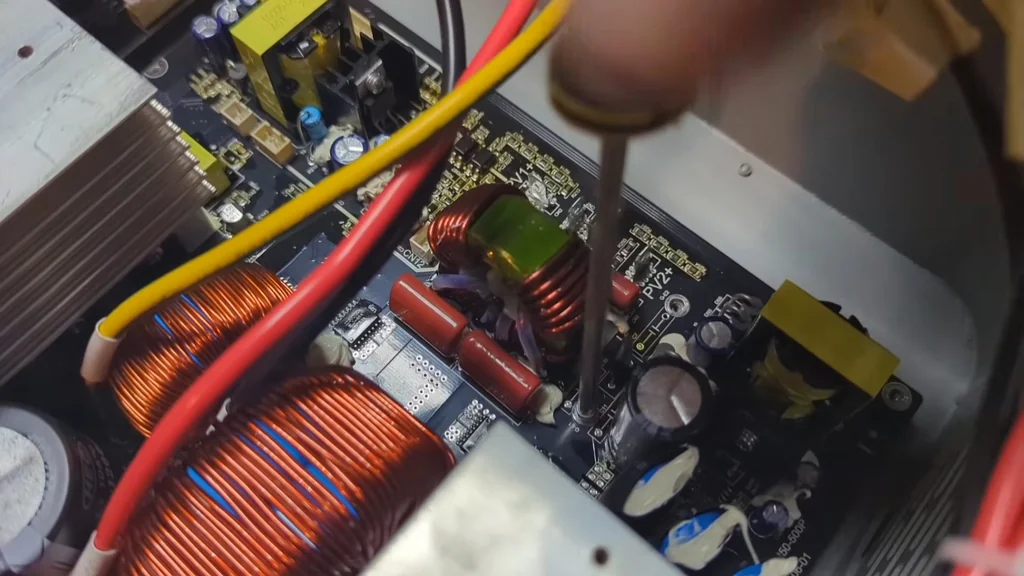
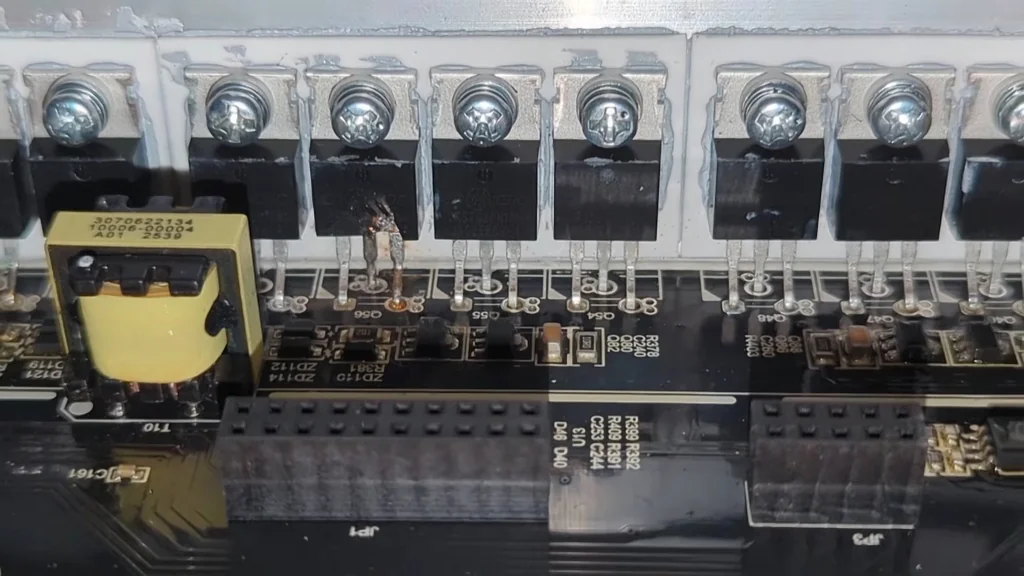
Look closely at the power transistors attached to the heatsinks. If you see discoloration or a burnt smell, that component is toast. These parts handle the heavy lifting and are the first to go when there's a surge. Don't try to salvage them. If they look cooked, replace them immediately. It's junk.
Assembling the Inverter Housing
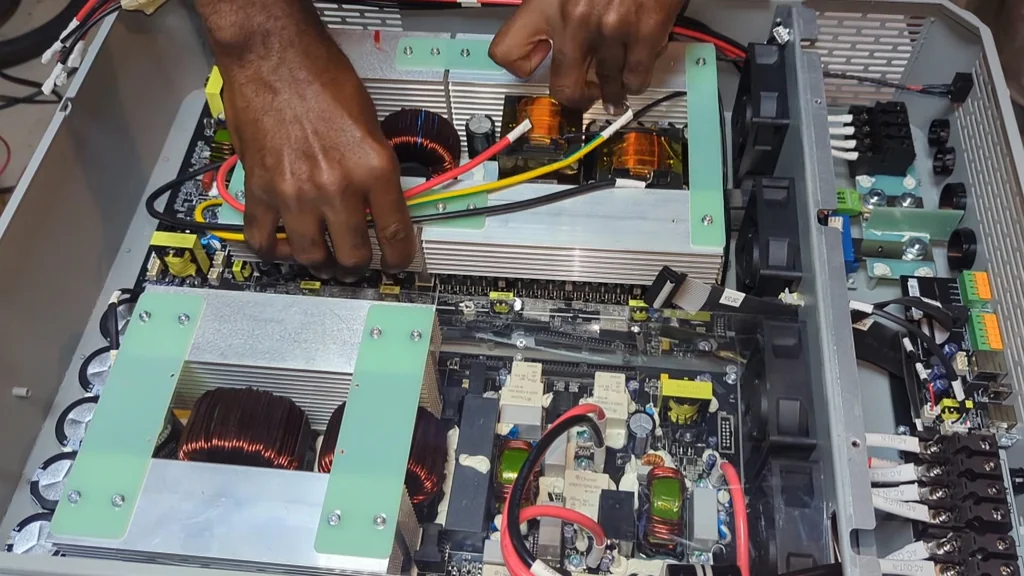
Now you're ready to put the main assembly back together. Align the boards carefully so you don't pinch any ribbon cables or wiring harnesses. It's easy to get distracted and leave a wire caught under a heatsink. Take your time. Once the boards are aligned, slide the housing back into place. Everything should fit without forcing it. If it doesn't, stop and check the alignment again. It's solid.
Verifying Internal Connectors
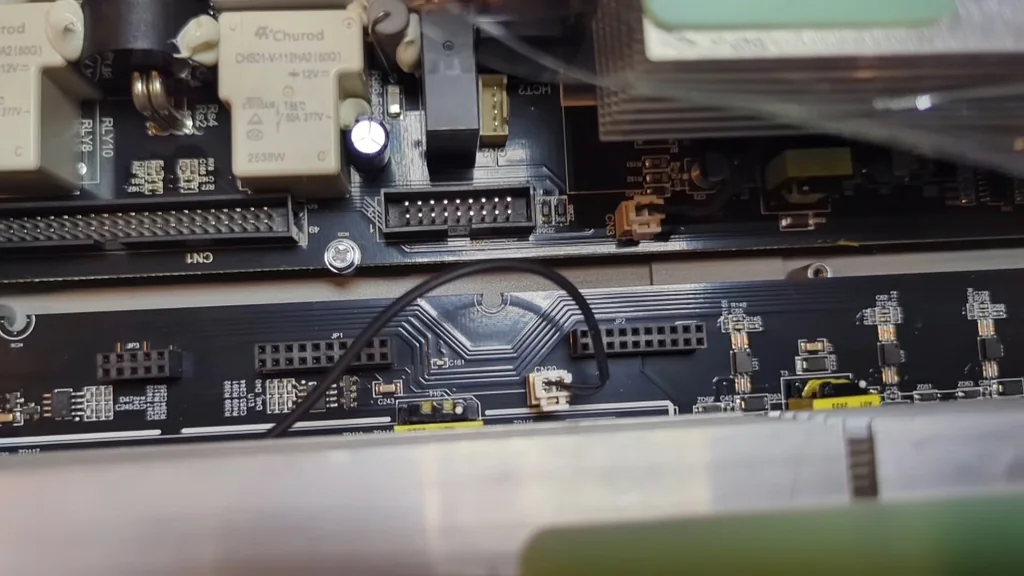
Check every single connector on the board. You'd be surprised how often a loose plug causes a system-wide error. Give them a gentle wiggle to ensure they're locked in place. If a connector feels loose, check the pins for corrosion or bent metal. It's a common point of failure. You want a clean, tight connection every time.
Calibrating Board Components
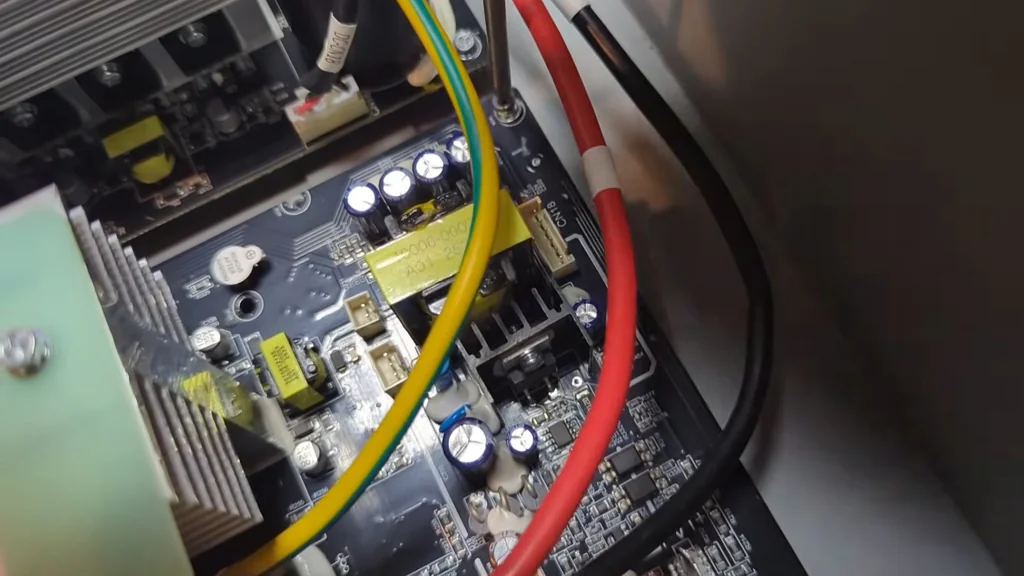
Adjusting the small potentiometers on the board is a delicate task. You need a steady hand and the right tool to avoid stripping the adjustment screws. These settings dictate the voltage regulation and output frequency of the unit. Small turns make a big difference. Don't rush it. It's precise work.
Tightening High-Current Bolts
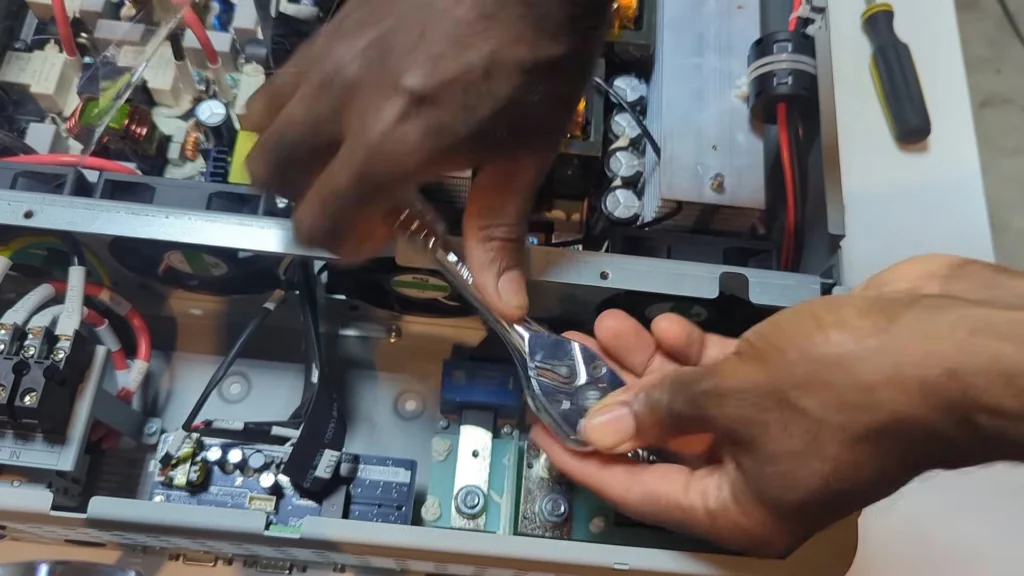
Use a proper ratchet to secure the main power bolts. These connections carry the full load, so they need to be tight enough to prevent any arcing. If these are loose, they'll heat up and melt the plastic around them. It's a fire hazard. Give them a firm pull, but don't snap the studs. It's done.
Inspecting Heatsink Contact
The heatsinks are what keep your transistors from frying. Make sure they're making full contact with the thermal paste. If there's a gap, the heat won't transfer, and the unit will shut down under load. Check the mounting clips one last time. Everything looks good.
Initial Power-Up and Monitoring
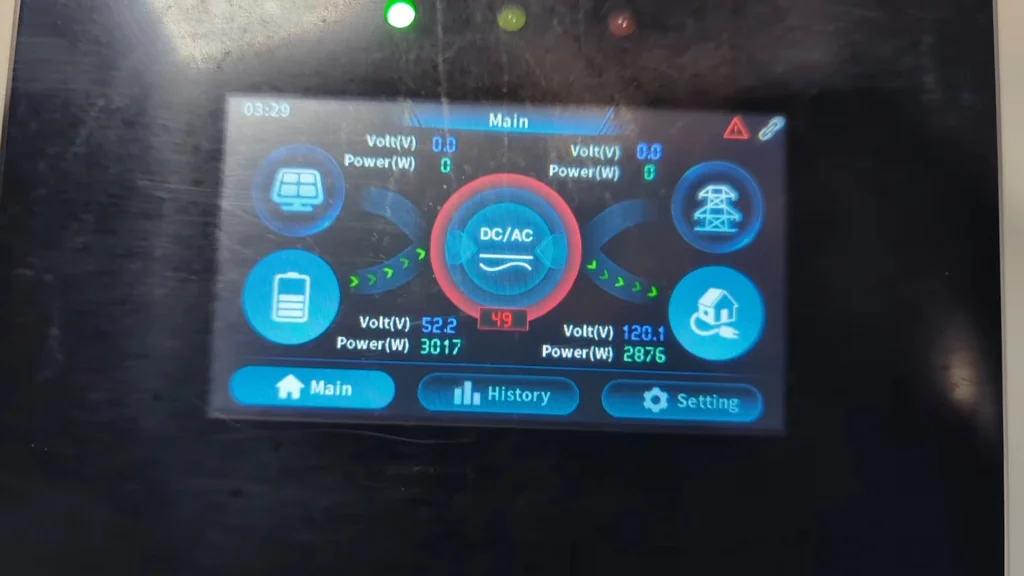
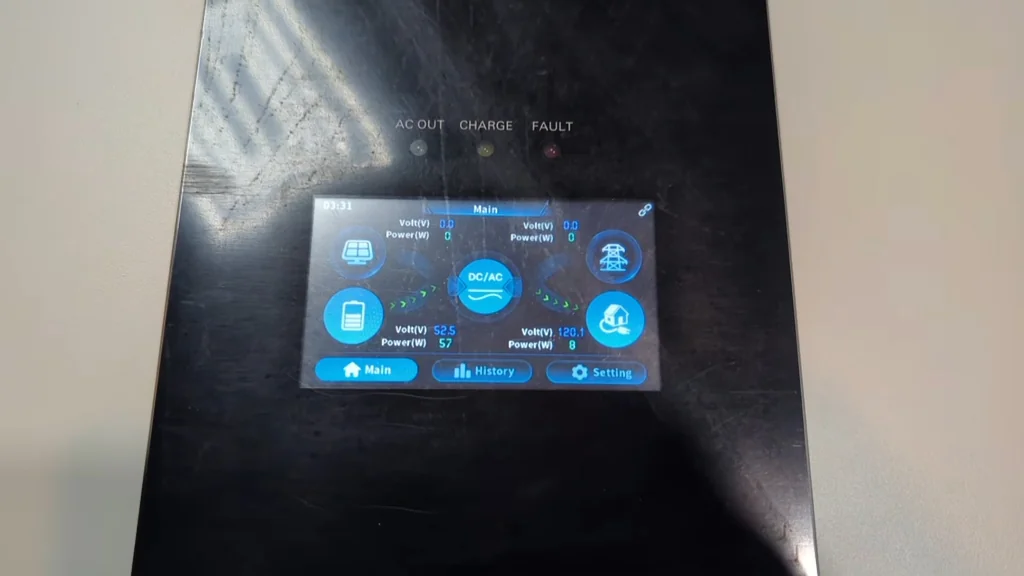
Flip the switch and watch the display. You're looking for a clean boot sequence and stable voltage readings. If the screen flickers or shows an error code, shut it down immediately. It's a good sign if the output numbers stabilize quickly. We're back in business.
Troubleshooting Low Power Output
If the output is lower than expected, don't panic. Check your input voltage and ensure the load is balanced correctly. Sometimes the software needs a reset after a board swap. If it's still low, re-check your connections. It's a process of elimination. You'll find the bottleneck.
⚠️ CAUTION: SAFETY WARNING!
Always disconnect the battery bank and discharge the capacitors before touching the internal circuitry. High-voltage DC can be lethal even when the unit is turned off.
Summary & Tips
Replacing a motherboard is a solid way to extend the life of your inverter. Sometimes you save them, sometimes you don't, but it's always worth a shot. Take your time with the connections and keep your workspace clean. It works again.
📋 FAQ
❓ Is it worth repairing a 12kW inverter?
Usually, yes. If the main board is the only issue, it's much cheaper than buying a new unit. Just make sure the rest of the components are in good shape.
❓ How do I know if the motherboard is dead?
Look for physical signs like burnt traces or blown capacitors. If the unit won't power up at all, it's a strong indicator. Use your multimeter to check for power at the main rails.
❓ Can I replace the transistors myself?
Yeah, if you've got decent soldering skills. It's a bit of a pain in the ass because of the heatsinks. Just take your time and don't overheat the pads.
❓ What's the most common cause of failure?
Honestly, it's usually heat or a surge. Poor ventilation or loose connections will kill these boards fast. Keep it clean and keep it cool.
Disclaimer: I purchased all tools for this guide with my own money to ensure an unbiased review. This post contains affiliate links, meaning I earn a small commission if you make a purchase at no extra cost to you.