Portable power stations are everywhere these days, but you’ve got to know which ones actually hold up under load. We’re looking at the Anker SOLIX lineup, checking out everything from the massive F3800 units to their portable fridge systems. It’s time to see if these rigs can handle real-world workshop and off-grid demands without failing when you need them most.
⚡ Quick Guide: How to Evaluate Your Power Station
📋 In This Article
- Technical Specifications & Components
- Tools & Materials Used — what you will need for this project
- Inspecting the Anker SOLIX Hardware
- Evaluating Portable Cooling Solutions
- Testing AC Inverter Outlets
- Monitoring Charging Input Performance
- Setting Up Solar Panel Arrays
- Interpreting Battery Info Displays
- Verifying Fridge Internal Temperature
- Managing Power via Smartphone App
- Operating the Main Power Switch
- Checking AC Outlet Compatibility
- Handling Compact Power Units
- Mounting Solar Panels for Shed Power
- Installing Station in Workshop Shed
- Cycling the Power Station Modes
- Testing the Car Socket Output
- FAQ
📊 Technical Specifications & Components
| Anker SOLIX F3800 Capacity | 3840Wh |
| Anker SOLIX F3800 Output | 6000W |
| Anker SOLIX F3000 Capacity | 3000Wh class |
| Anker SOLIX F2000 Capacity | 2048Wh |
| Anker SOLIX F2000 Output | 2400W |
| Solar Input Compatibility | Up to 400W panels |
| Connectivity | Bluetooth/Wi-Fi App Control |
| Cooling | Active internal fan systems |
| Output Ports | AC, DC Car Socket, USB |
📊 Project Overview & Costs
🔧 Difficulty Level: Easy
⏱️ Time Investment: DIY: 15 minutes | Pro: 5 minutes
💰 Professional Service Cost: $0
💡 Verdict: Understanding your power station's capabilities saves you from buying the wrong capacity for your specific job.
🛠️ Tools & Materials Used
• Smartphone
Step-by-Step Assembly, Testing & Inspection
Inspecting the Anker SOLIX Hardware
First thing, you've got to look at the build quality. These units aren't light, and that's usually a good sign of high-density LiFePO4 cells inside. The casing feels rigid, not like that cheap, flexing plastic you find on budget gear. It's solid. You want to make sure the handles are reinforced because you'll be lugging these around a job site or garage. Don't settle for flimsy plastic.
Evaluating Portable Cooling Solutions
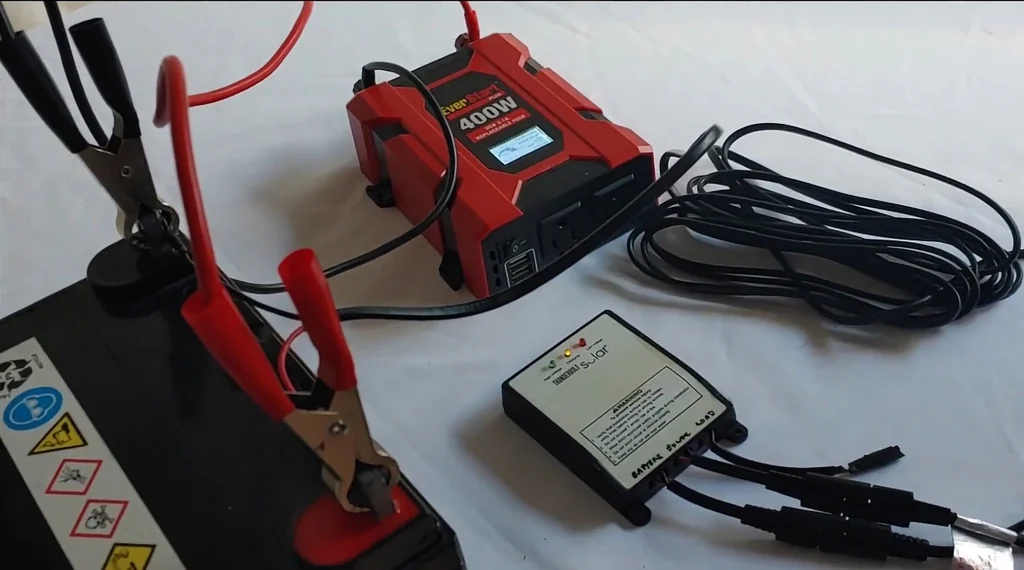
Next, we're looking at the fridge integration. Keeping your lunch cold in a hot shop is a game changer. The Everfrost cooler runs off the station's DC output, which is way more efficient than running an inverter for an AC fridge. It's efficient. You'll notice the seal on the lid is tight, keeping the cold air where it belongs. It's built to last.
Testing AC Inverter Outlets
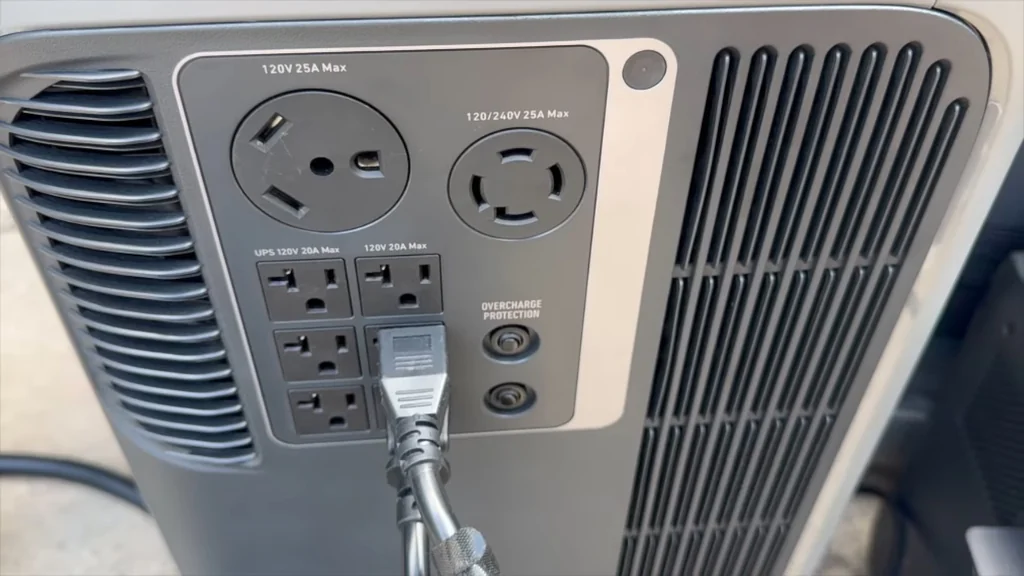
Check the AC outlets next. You want to see clean, pure sine wave power, especially if you're running sensitive electronics like a laptop or a digital oscilloscope. The sockets hold the plugs firmly; there's no loose wobbling when you insert a cord. It's tight. If the outlet feels loose, you'll get arcing, and that's a one-way ticket to a fried board. Always verify your connections.
Monitoring Charging Input Performance
Charging these units takes a bit of patience. You're looking for a steady input wattage on the display. If it's fluctuating wildly, check your cable connections and the source voltage. It's simple. Sometimes the BMS (Battery Management System) throttles the intake to protect the cells from heat. Don't worry if it slows down as it hits 90%. That's normal behavior for lithium chemistry.
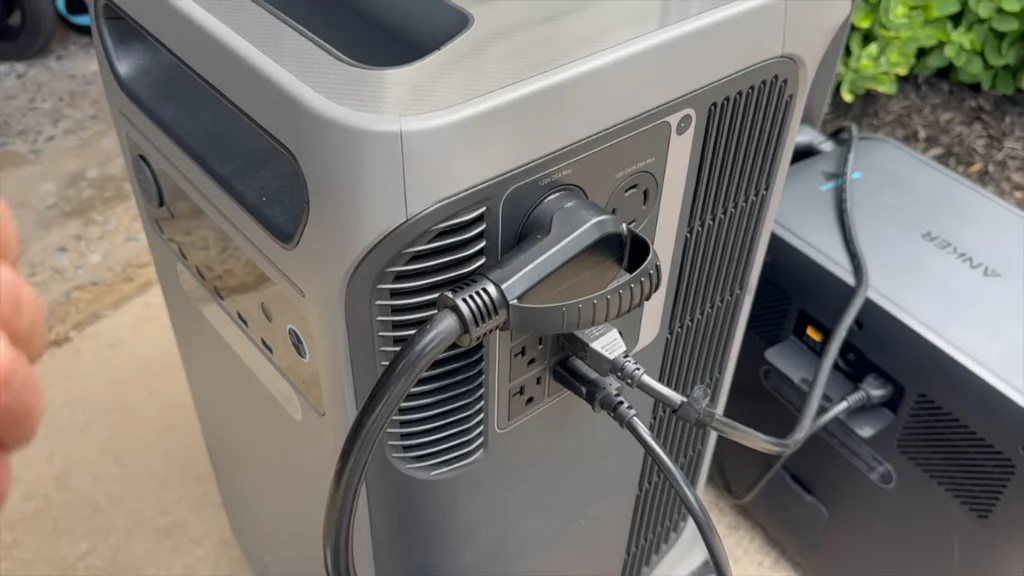
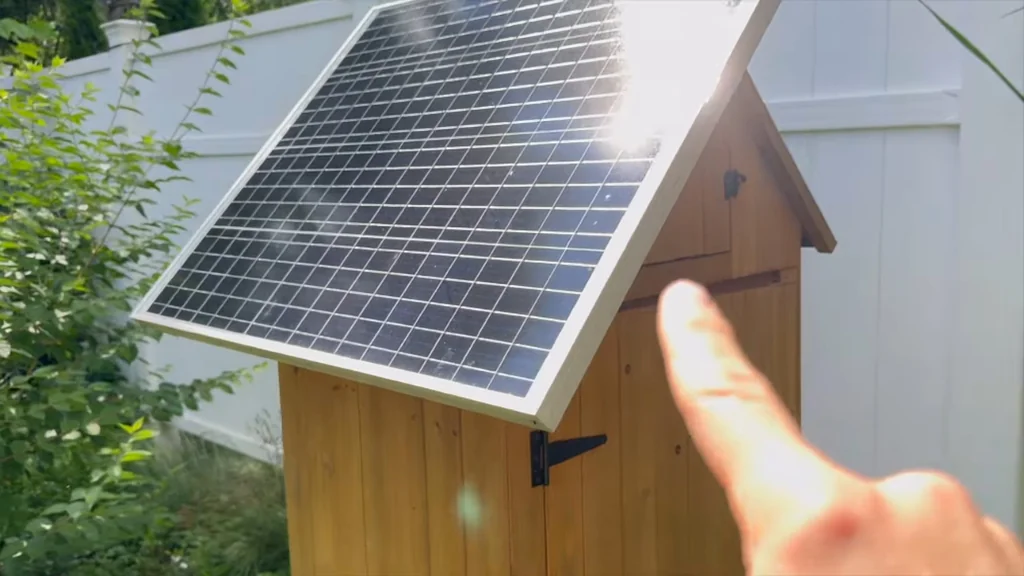
Setting Up Solar Panel Arrays
Solar setup is straightforward, but angle matters. You want those panels pointed directly at the sun to get the maximum output. If they're lying flat on the ground, you're losing efficiency. It's basic physics. Make sure the connectors are locked in tight and kept away from standing water. A little dirt on the panel surface can drop your wattage significantly, so keep 'em clean.
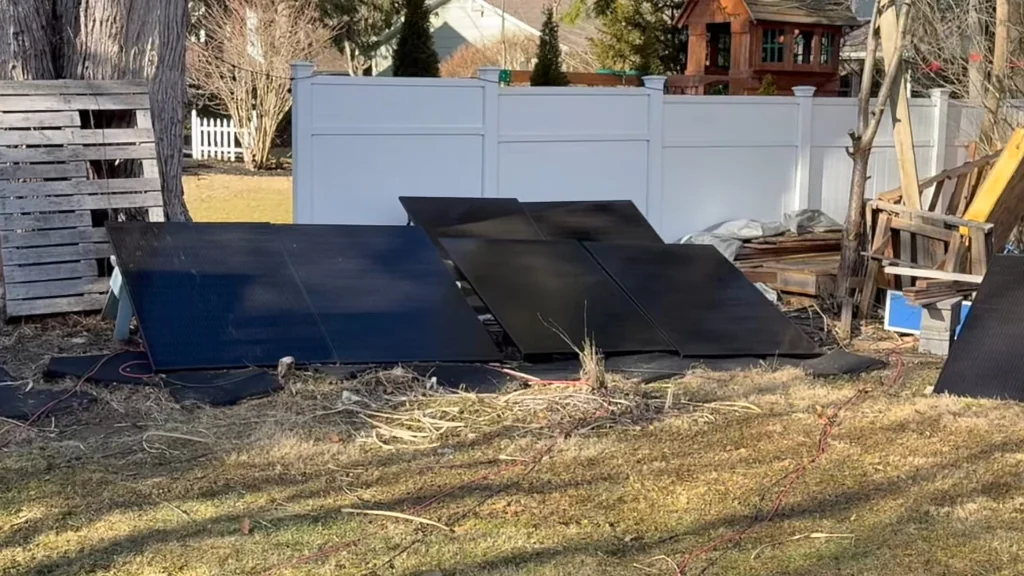
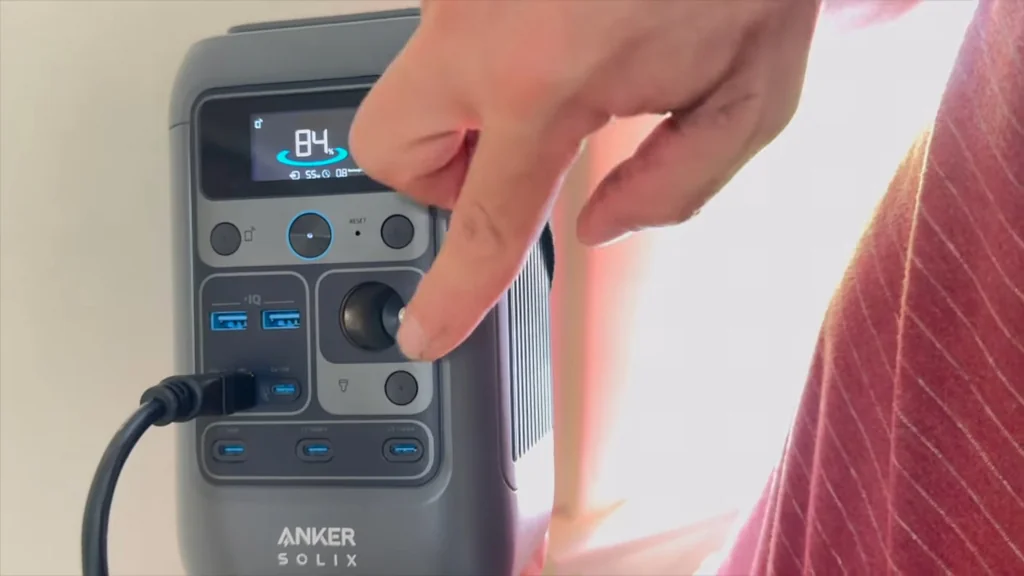
Interpreting Battery Info Displays
Look at the screen readings. The SOC (State of Charge) indicator is your best friend. It tells you exactly how much runtime you've got left based on your current draw. It's accurate. If the numbers start jumping around, you might have a calibration issue or a failing cell group. Always keep an eye on the discharge rate.
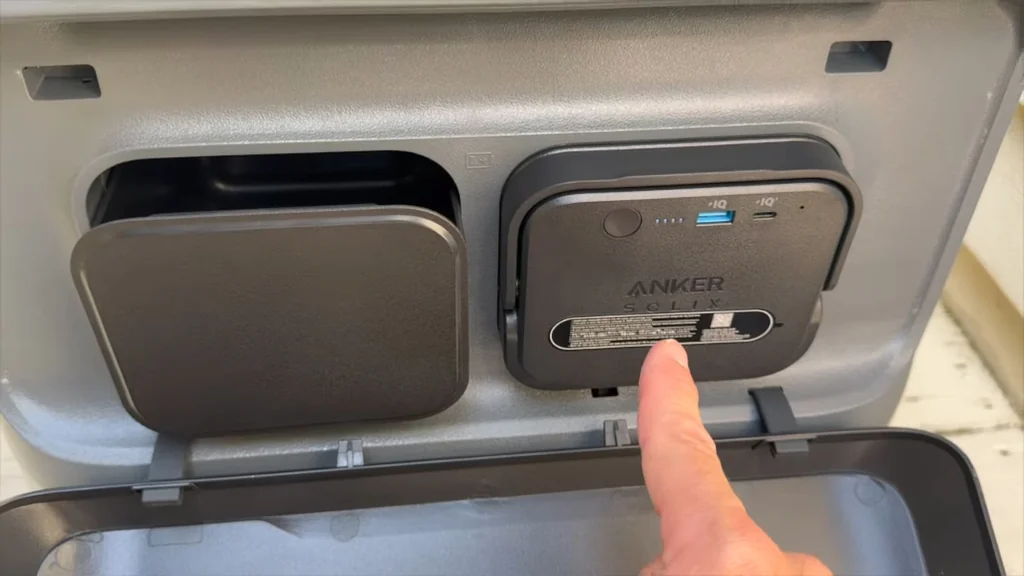
Verifying Fridge Internal Temperature
Check the internal temp of the fridge. You want to see it holding steady without the compressor cycling on and off every two minutes. That's a sign of a good, insulated design. It's cold. If it can't hold a steady temp, you're just wasting battery power. The seal is everything here.
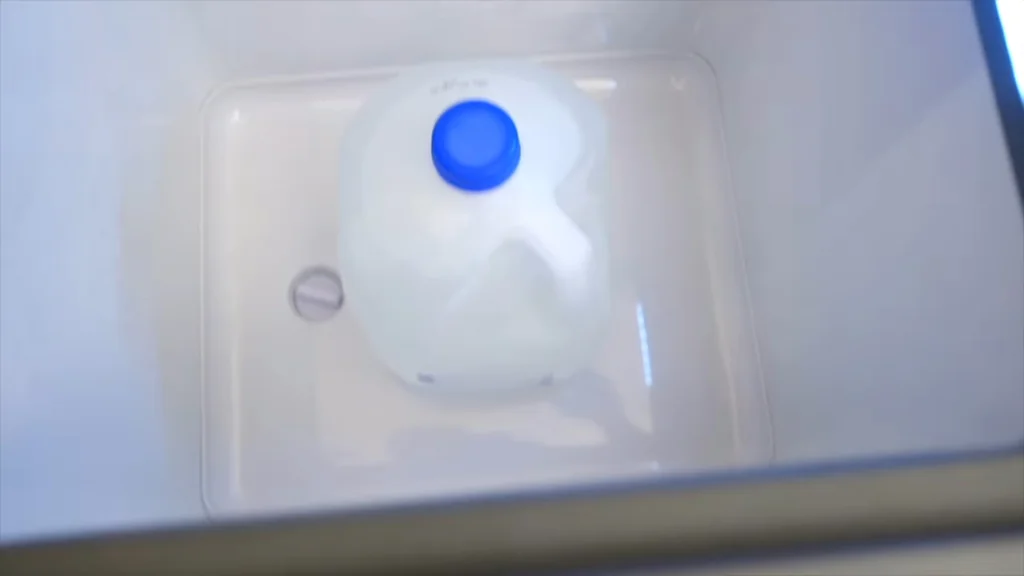
Managing Power via Smartphone App
Using the app is a no-brainer. It lets you toggle outputs and monitor power draw without walking over to the unit. It's convenient. Just make sure your Bluetooth signal is strong enough to reach the station. If the app loses connection, you're back to manual control. It works fine.
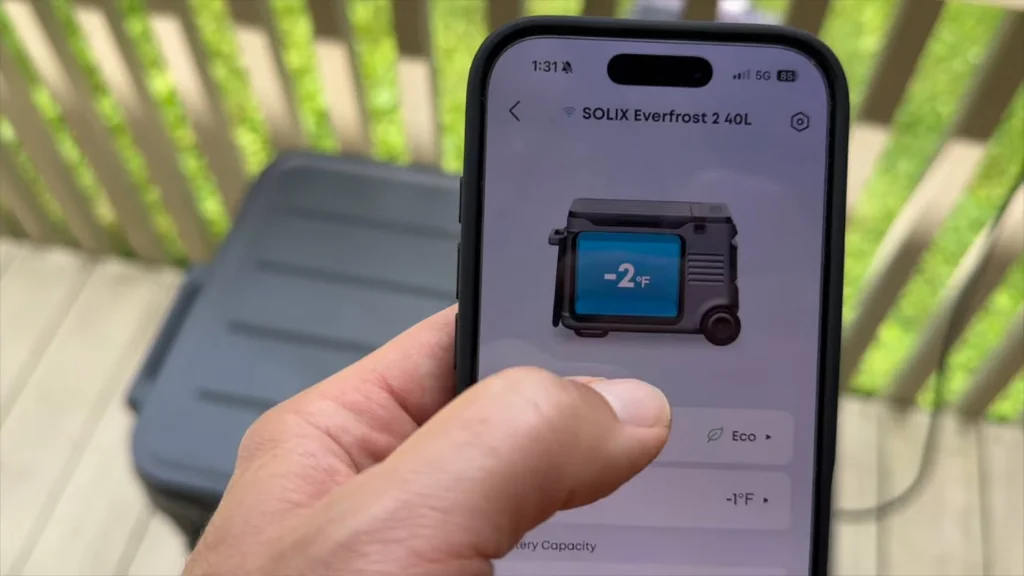
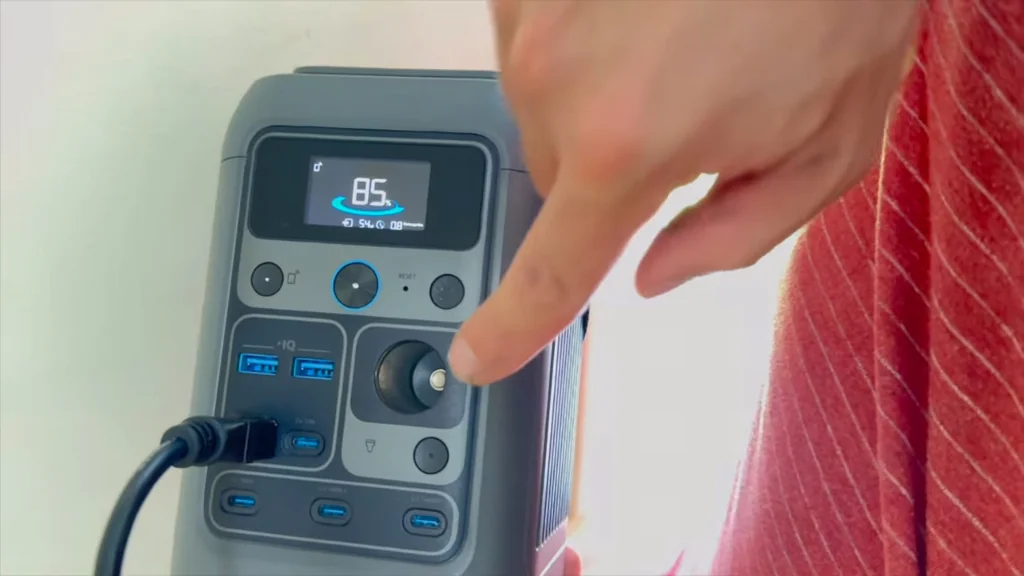
Operating the Main Power Switch
The main power button needs a firm press. It's not a soft-touch membrane that breaks after a month. It's tactile. You get a solid click every time you engage it. If it feels mushy, that's a red flag for the internal switch quality. This one feels like it'll last.
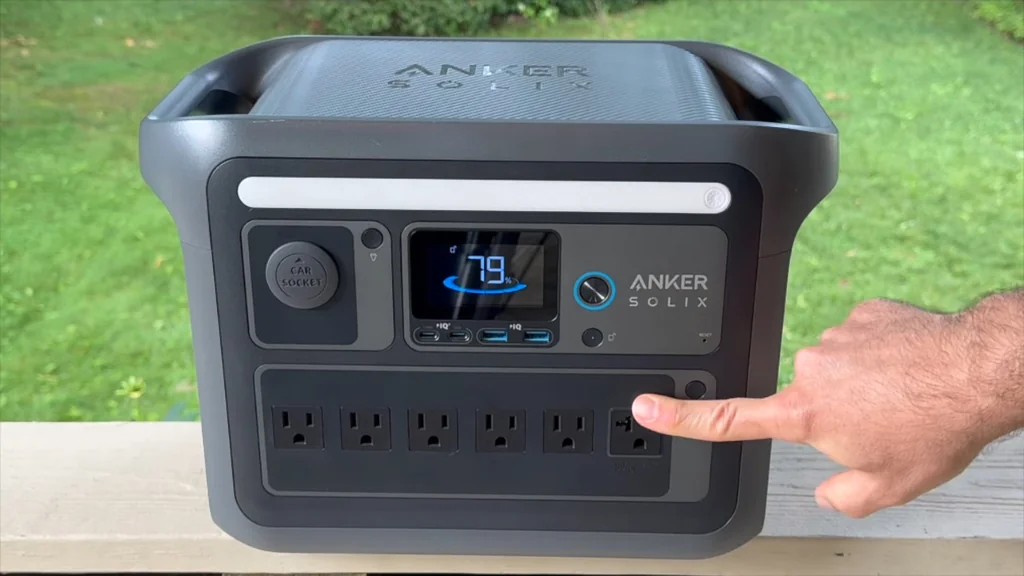
Checking AC Outlet Compatibility
Look at the layout of the AC outlets. They're spaced out enough to handle those bulky wall-wart power bricks. It's thoughtful. Nothing worse than having four outlets but only being able to use two because the plugs are too wide. This design gets it right. It's practical.
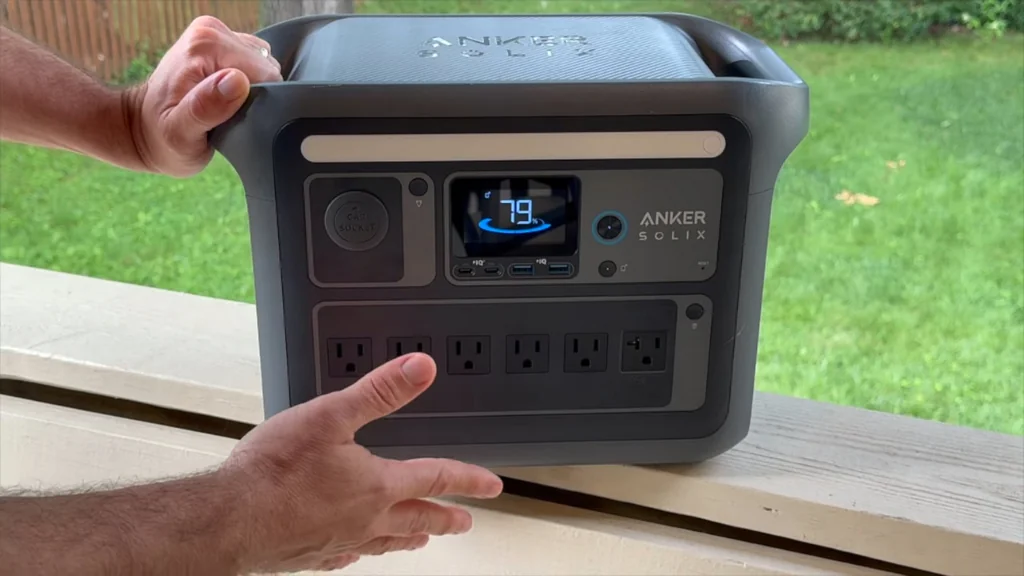
Handling Compact Power Units
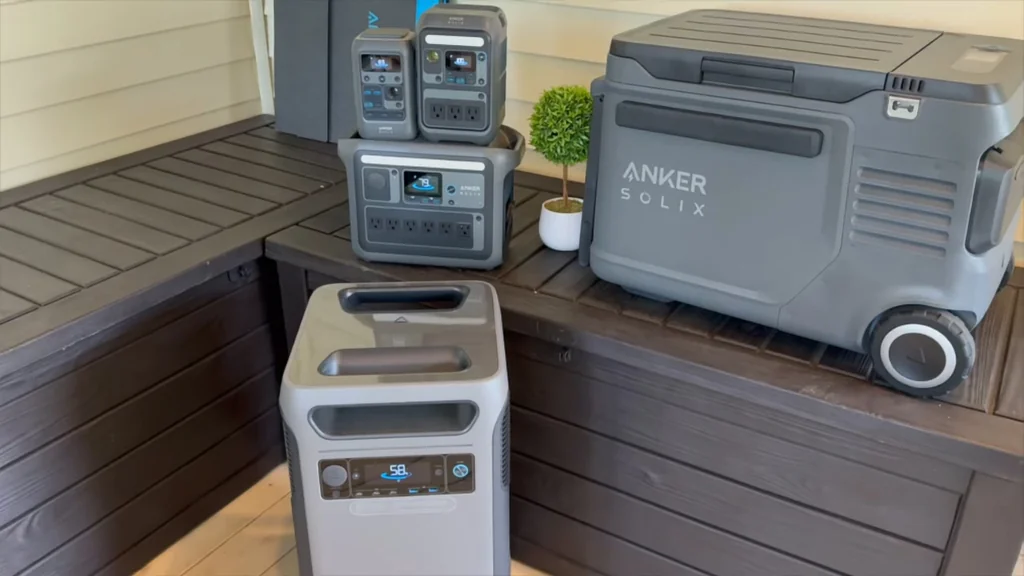
The smaller units are great for quick jobs. You can toss them in the back of a truck and have power for a drill or a light. It's portable. They don't have the massive capacity of the F3800, but they're way easier to move. Sometimes less is more.
Mounting Solar Panels for Shed Power
Mounting panels on a shed roof is a permanent fix. You need to make sure the brackets are screwed into the rafters, not just the shingles. It's secure. Use some sealant around the holes to keep the rain out. You don't want a leaky roof just to get some juice.
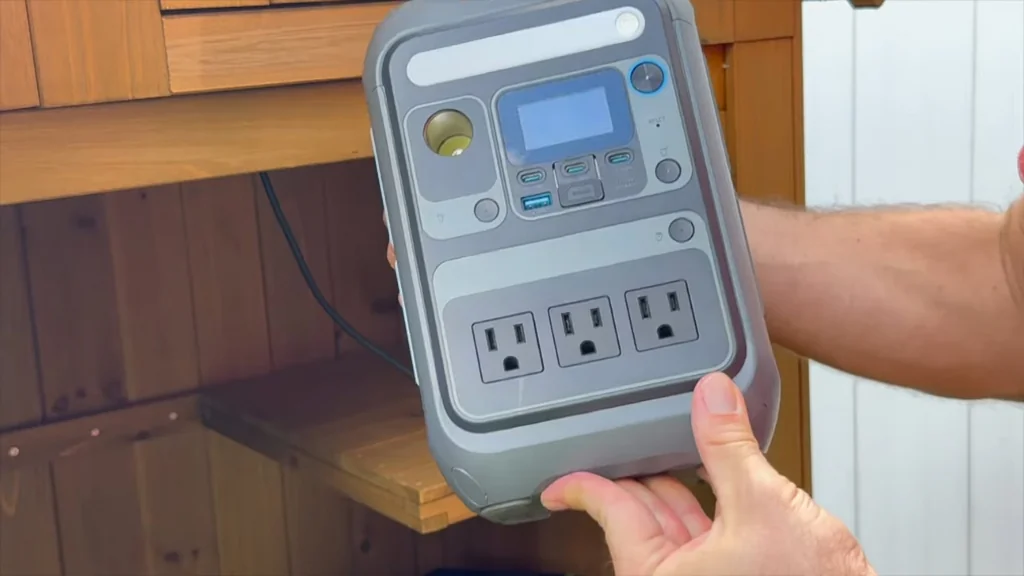
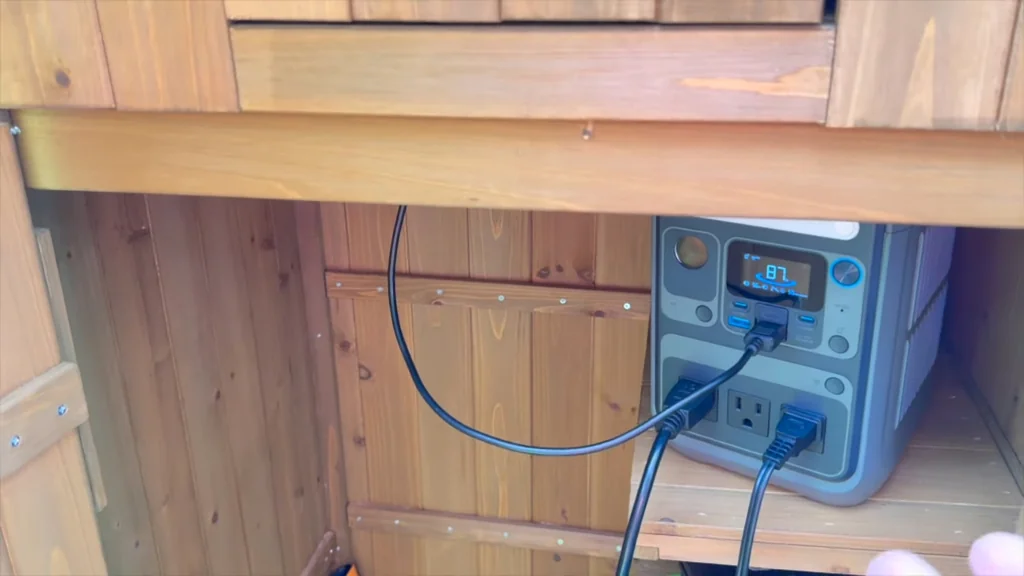
Installing Station in Workshop Shed
Keep the station in a dry spot. Even if it's a shed, you don't want it sitting on a damp floor. It's protected. Put it on a shelf or a workbench to keep it off the ground. That helps with airflow too, which keeps the fans from running constantly. It's smart.
Cycling the Power Station Modes
Toggle through the modes to see how the system reacts. You want a quick response time when you switch from AC to DC. It's fast. If there's a long delay, the internal relays might be getting tired. This one switches over instantly. No lag.
Testing the Car Socket Output
The 12V car socket is essential for gear that runs on DC. It's reliable. Check the voltage with a multimeter if you're running something sensitive. You want a steady 12-13 volts. If it's dropping under load, your wiring or the socket itself is the weak link. It's good to go.
⚠️ CAUTION: SAFETY WARNING!
Always keep power stations away from water and extreme heat. Never attempt to open the battery casing, as the internal voltage is high enough to cause serious injury.
Summary & Tips
The Anker SOLIX lineup offers a solid range of options for different power needs. Build quality is generally high, and the features are well-thought-out for practical workshop use. It's a reliable setup if you match the capacity to your specific tools. Sometimes you save them, sometimes you don't, but these units are built to last.
📋 FAQ
❓ Are these power stations safe to use indoors?
Yeah, they're perfectly safe for indoor use. They don't emit fumes like a gas generator. Just make sure you give them enough space for the fans to breathe.
❓ Can I run a power tool off these?
Depends on the tool's wattage. A small drill is usually fine, but a heavy-duty table saw might trip the inverter. Always check your tool's label first.
❓ How long do the batteries last?
Usually, they're rated for thousands of cycles. If you treat them right, they'll last for years. Don't leave them sitting at 0% for months at a time.
❓ Is the app necessary for operation?
Nah, you don't need it. Everything can be controlled from the front panel. The app is just for convenience and remote monitoring.
Disclaimer: I purchased all tools for this guide with my own money to ensure an unbiased review. This post contains affiliate links, meaning I earn a small commission if you make a purchase at no extra cost to you.