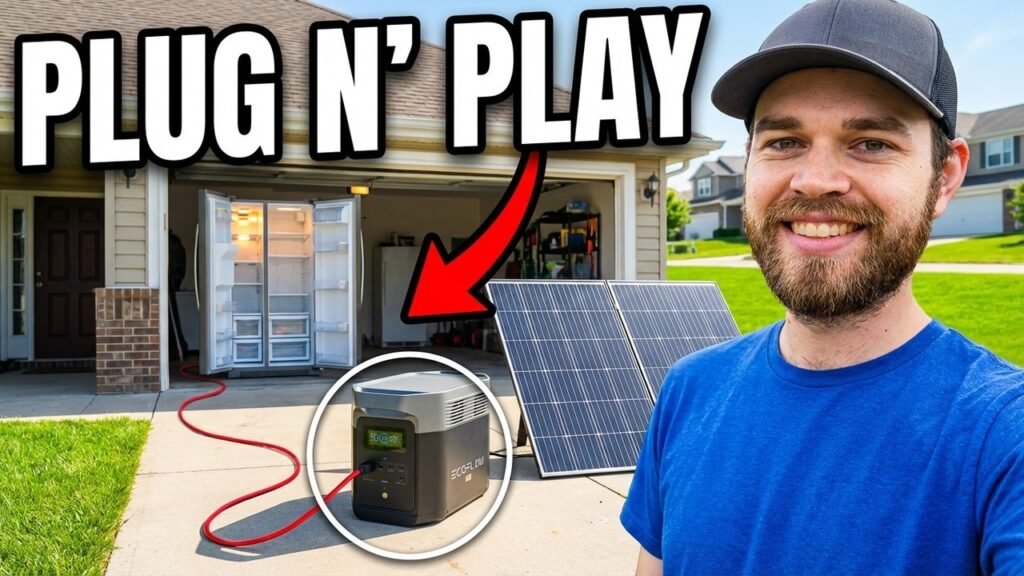
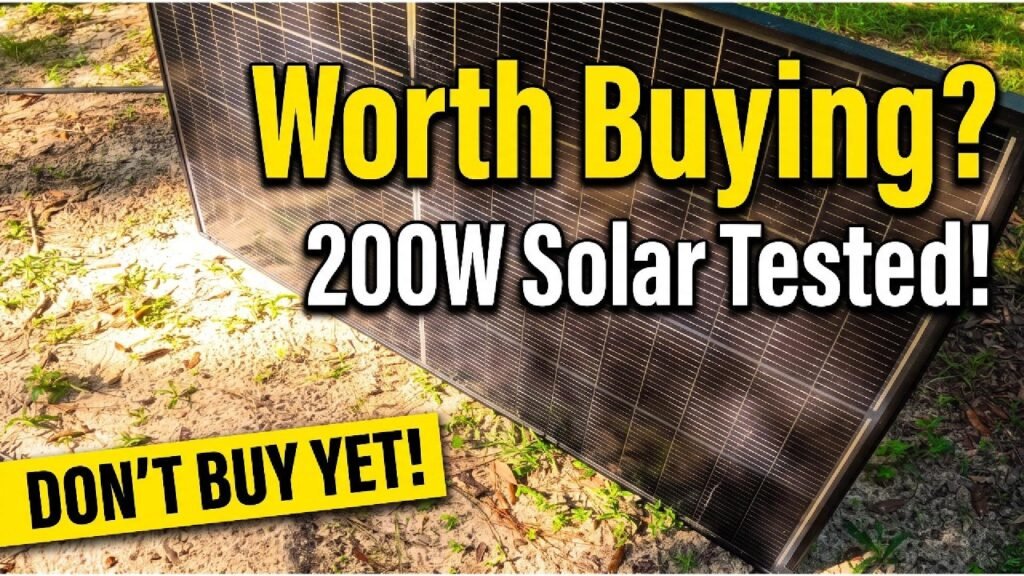
Testing portable solar panels isn’t just about reading the spec sheet. I put the ZOUPW 230W bifacial panel head-to-head against the Anker SOLIX PS200 to see which one actually delivers real wattage under the same conditions. You’ll see how these panels handle different light angles and which one keeps your power station topped off when you’re out in the middle of nowhere.
⚡ Quick Guide: How to Evaluate Your Solar Setup
- Check the build quality and connector fit before anything else.
- Position the panels where they’ll get the most direct sun.
- Hook them up to a power station and watch the live input.
- See what kind of wattage you’re actually getting in real conditions.
- Compare those numbers against what the manufacturer claims.
📋 In This Article
- Technical Specifications & Components
- Tools & Materials Used — what you will need for this project
- Initial Inspection and Layout
- Cable Management and Connection
- Monitoring Power Station Input
- Adjusting Panel Angles
- Field Handling and Portability
- Multi-Panel Setup Comparison
- Final Performance Evaluation
- Testing Results and Conclusion
- FAQ
📊 Technical Specifications & Components
| ZOUPW Rated Power | 230W |
| Anker SOLIX Rated Power | 200W |
| Panel Type | Bifacial (ZOUPW) vs. Monocrystalline (Anker) |
| Connector Type | MC4 / XT60 |
📊 Project Overview & Costs
🔧 Difficulty Level: Easy
⏱️ Time Investment: DIY: 15 minutes | Pro: 5 minutes
💰 Professional Service Cost: $0 - $50 (testing setup)
💡 Verdict: Testing your own gear beats trusting the marketing numbers every time.
🛠️ Tools & Materials Used
Step-by-Step Assembly, Repair, Testing & Inspection
Initial Inspection and Layout
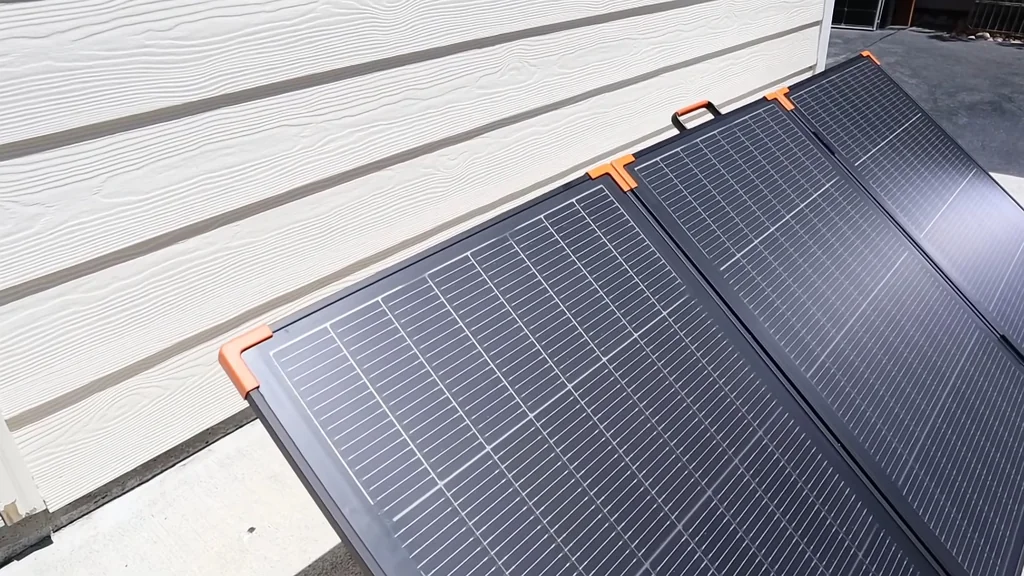
Pulled both panels out and leaned them against a wall to check for any obvious damage. You're looking for delamination, micro-cracks in the cells, anything that doesn't look right straight out of the box. Give the frame and kickstands a quick once-over before you even think about plugging them in. The ZOUPW is bifacial, which means it catches light from both sides — so placement actually matters more than with a standard panel. If you're setting up on a patio or rocky campsite, make sure the back side has clearance to grab reflected light. It's a small thing that makes a real difference in output. These panels are heavy, so make sure whatever you're leaning them against is stable. If the wind catches them, they'll go over and potentially damage the junction box. Throw some weight on the legs if you're out in an open field.
Cable Management and Connection
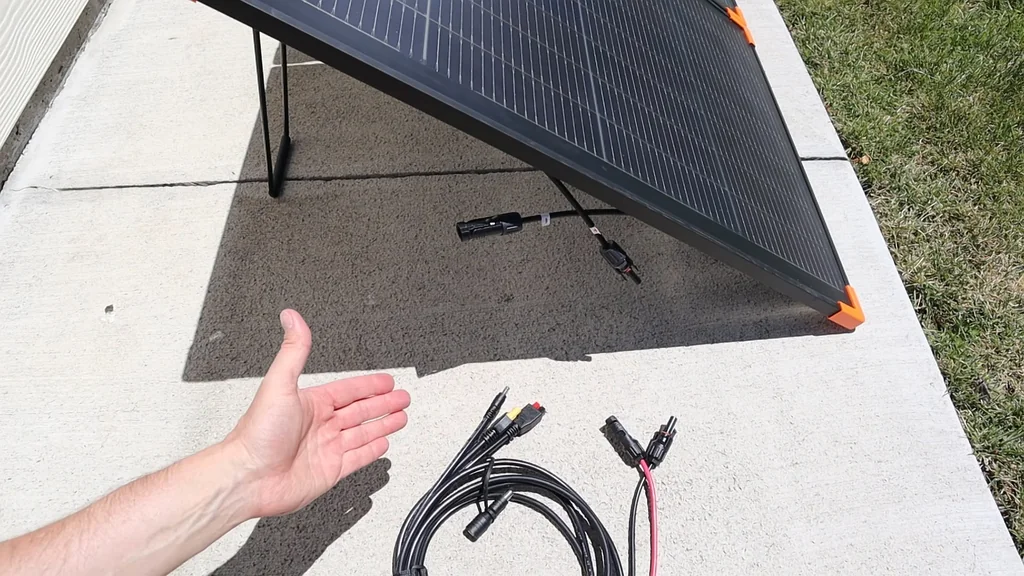
Check the MC4 connectors for debris or moisture before you plug anything in. A dirty connection creates resistance, and resistance means voltage drop and heat — exactly what you don't want when you're trying to pull max current. Plug the panels into your test load. If you're using a portable power station, make sure the input port matches your cable setup. The connectors should snap in with a clean click. If they feel loose, stop and check the seal before proceeding. Keep your cable runs short. Every extra foot of wire adds resistance, and at 200+ watts that translates into actual power loss. Route them away from where people are walking too — tripping over a live cable is a bad time.
Monitoring Power Station Input
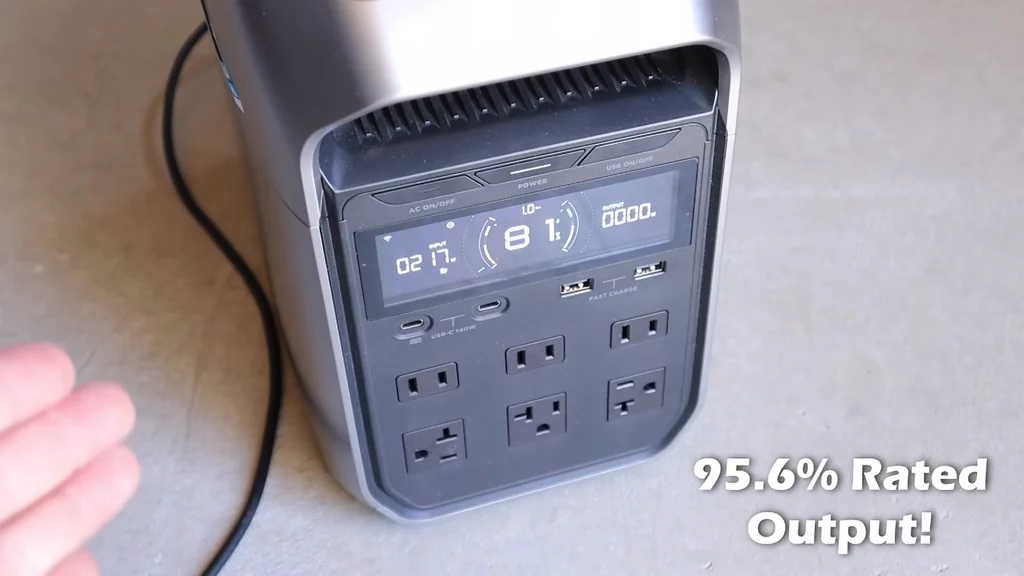
The power station display is where the real story shows up. Once everything's connected, watch the input wattage climb as the sun hits the cells. It won't peak instantly — give it a minute to stabilize. You want consistent numbers, not random spikes. If the wattage is jumping around, check your panel alignment. Even a slight angle change makes a big difference in output. The MPPT controller in your station is working to find the sweet spot, so let it do its thing. If your station shows voltage and amperage separately, pay attention. High voltage but low current usually means partial shading. Both low means the panel isn't getting enough direct light.
Adjusting Panel Angles
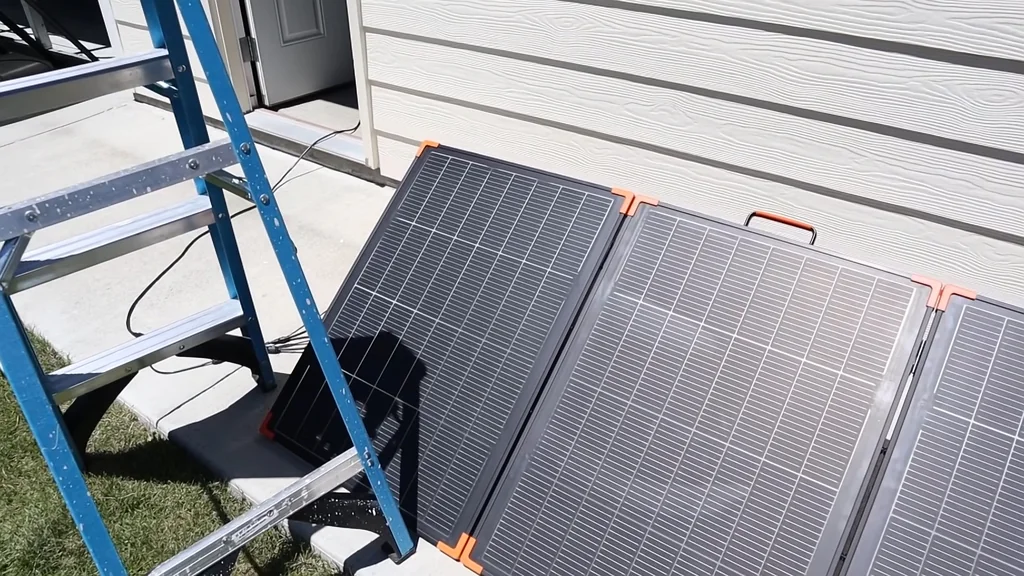
Moved the panels onto a ladder to test different heights and angles. Tilting the panel relative to the sun is the single most effective way to boost your harvest. You'll see the wattage change in real time as you adjust the pitch. Think about where the sun actually is. High noon means you want the panels facing dead-on. Early morning or late afternoon needs a steeper angle. Play with the kickstands until you hit that sweet spot. Just don't get so focused on the numbers that you forget your gear is sitting on a ladder. Secure the panels to the rungs if you're running an extended test. A gust of wind can send everything crashing down.
Field Handling and Portability
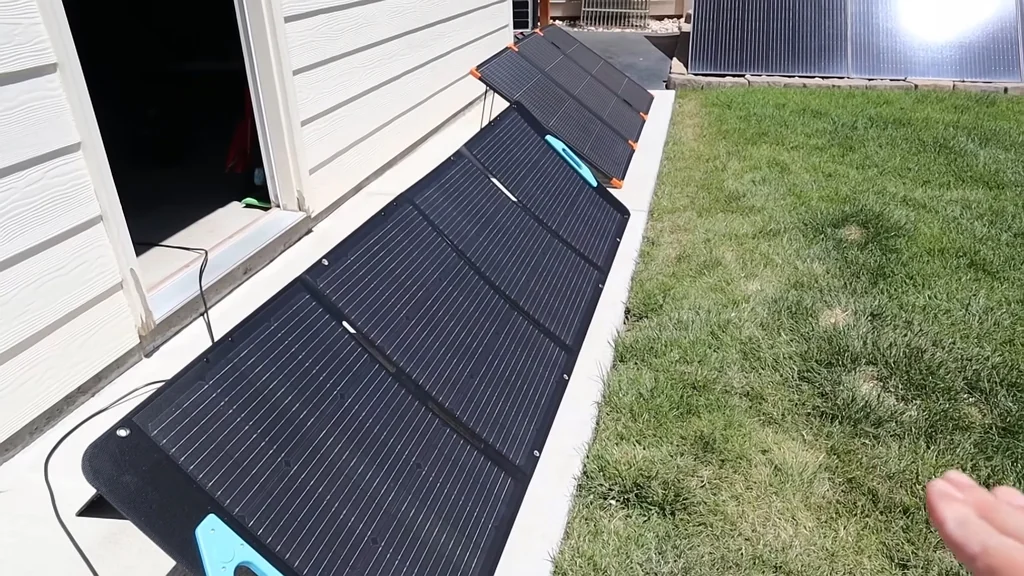
Folded the panels up and carried them around to get a feel for how they handle in the field. A panel that's awkward to carry or slow to set up is a panel that stays in the garage. You want something that deploys in seconds. Check the handles and latches. If they feel flimsy, that's a failure point waiting to happen. You'll be hauling these over uneven ground, so the frame and stitching need to be solid. And don't drop them. Even with protective coatings, a hard impact can crack the silicon cells internally. You won't see the damage on the surface, but your output will drop permanently. Treat them like glass.
Multi-Panel Setup Comparison
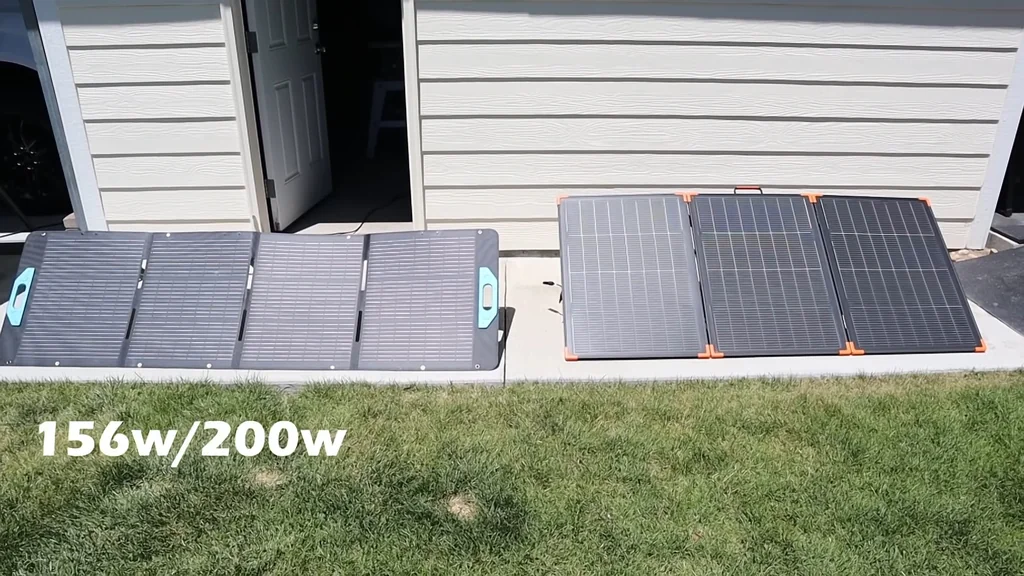
Set both panels up side by side to compare performance under identical light. This is the only way to get a real apples-to-apples comparison. You'll see how the ZOUPW's bifacial design stacks up against the Anker's traditional monocrystalline setup. Watch how each panel handles shadows. If a leaf falls on one, does the output tank completely or does it keep pulling power? That's the bypass diodes doing their job. A good panel isolates the shaded cell and keeps the rest of the array working. If you've got an IR thermometer, check the panel temps. Hotter panels are less efficient. If one's running noticeably hotter, it's wasting energy as heat instead of converting it to electricity.
Final Performance Evaluation
One last side-by-side before the final tally. You're looking at total watt-hours generated over the whole test period, not just the peak number. A panel that hits 200W for one minute is worse than one that holds 180W for an hour straight. Price-to-performance matters. If the cheaper panel performs nearly as well, that's a win. If the pricier one is significantly more durable or efficient, maybe that's worth the extra cash. Depends on what you need. Check the connectors again for wear. If the coating's already peeling, it won't survive a full season outdoors. Quality of finish matters for long-term use.
Testing Results and Conclusion
The ZOUPW 230W came out ahead in this test, especially with the bifacial advantage. The Anker PS200 is still a solid, reliable panel, but the numbers don't lie. You've got real data now to make an informed call. Pack everything up carefully. Wipe the panels down with a soft cloth to remove dust and fingerprints — a dirty panel is a less efficient panel. Store them somewhere cool and dry to keep moisture out of the junction boxes. If you're taking these overlanding, keep spare cables in your kit. Connectors fail at the worst possible moments, and having a backup means you're not left without power in the middle of nowhere.
⚠️ CAUTION: SAFETY WARNING!
Solar panels produce live DC voltage the second they see sunlight. Don't touch the connector pins with bare skin — you're asking for an arc or a shock.
Summary & Tips
The ZOUPW 230W beat the Anker in this specific test, showing that bifacial tech actually delivers when you've got the right setup. Both panels are solid options, but that extra 30W gives you a nice buffer. Always test your gear in your own environment before relying on it. Don't overpay for branding if the specs don't hold up in the real world.
📋 FAQ
❓ Does bifacial solar really make a difference?
Yeah, but only if there's a reflective surface underneath. On grass you won't see much. Put it on concrete or light-colored sand and the difference shows up.
❓ Can I mix these panels on one power station?
Depends on your station's input specs. Don't mix different wattages in series or you'll choke the output to the lowest panel. Parallel is usually safer if you've got the right adapters.
Disclaimer: I purchased all tools for this guide with my own money to ensure an unbiased review. This post contains affiliate links, meaning I earn a small commission if you make a purchase at no extra cost to you.