Filament jams in Bambu Lab P1S, P1P, and A1S printers often stem from broken material trapped deep within the PTFE guide tubes or fused directly into the extruder gears. When your printer throws an error code for the extruder, don’t just click for assistance. You need to physically trace the filament path to identify the blockage point, as translucent materials can be deceptively hard to spot inside the lines.
⚡ Quick Guide: How to Clear Filament Jams
- Inspect the PTFE tubes for hidden translucent filament fragments.
- Remove the AMS unit and flip it to access the internal motor and gear assembly.
- Unscrew the casing to expose the filament path and check for broken pieces.
- Check the extruder assembly for melted filament stuck in the drive gears.
- Clear the obstruction and reassemble the unit to restore operation.
📋 In This Article
- Technical Specifications & Components
- Tools & Materials Used — what you will need for this project
- Diagnosing the Extruder Error
- Inspecting the Filament Lines
- Preparing the AMS for Teardown
- Removing the AMS Casing
- Detaching the Filament Tubes
- Clearing Internal Lines
- Inspecting the AMS Motor and Gears
- Removing Broken Filament Fragments
- Accessing the Extruder Assembly
- Clearing the Extruder Gear
- FAQ
📊 Technical Specifications & Components
| Printer Compatibility | Bambu Lab P1S, P1P, A1S |
| Component | AMS (Automatic Material System) |
| Drive Mechanism | Extruder motor and gear assembly |
| Feed Path | PTFE filament guide tubes |
| Common Failure Mode | Filament breakage in tubes or gear clogging |
📊 Project Overview & Costs
🔧 Difficulty Level: Medium
⏱️ Time Investment: DIY: 30-45 minutes | Pro: 15-20 minutes
💰 Professional Service Cost: $0 (Internal maintenance)
💡 Verdict: Performing this teardown yourself prevents unnecessary replacement of functional extruder assemblies.
🛠️ Tools & Materials Used
• LED Flashlight
• Allen Key Wrench
Step-by-Step Assembly, Repair, Testing & Inspection
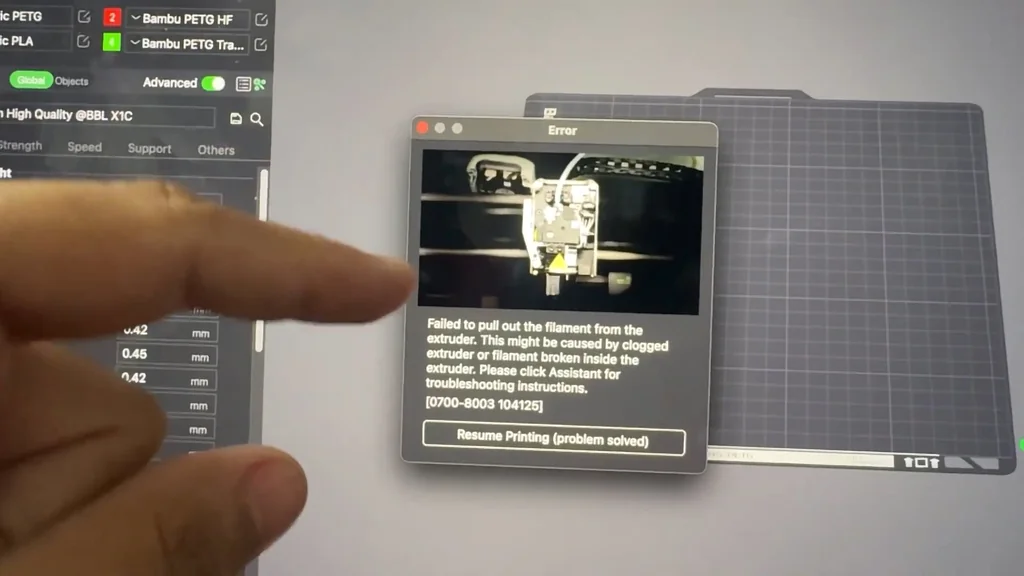
Diagnosing the Extruder Error
When the printer displays an error code, it's signaling a physical blockage in the filament path. You're likely dealing with a clog or a broken filament segment hidden somewhere in the lines. It's a common issue. Don't panic. Start by checking the extruder for signs of stuck material. The P1S, P1P, and A1S models share similar feed architectures, making this diagnostic process standard across the lineup.
Inspecting the Filament Lines
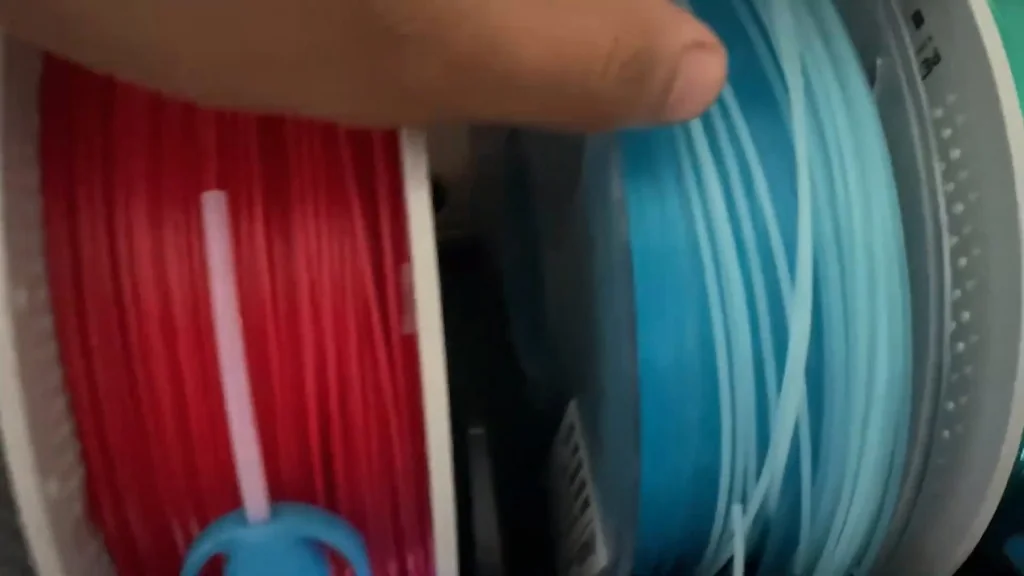
Translucent filament is tricky. It hides well. If you've cut off the end but it won't pull out, the material is likely snagged inside the PTFE tubing. Follow the lines back from the extruder. You need to physically inspect these tubes. Pop the connectors off to investigate. It's a simple check. If you see the filament, you've found the culprit.
Preparing the AMS for Teardown
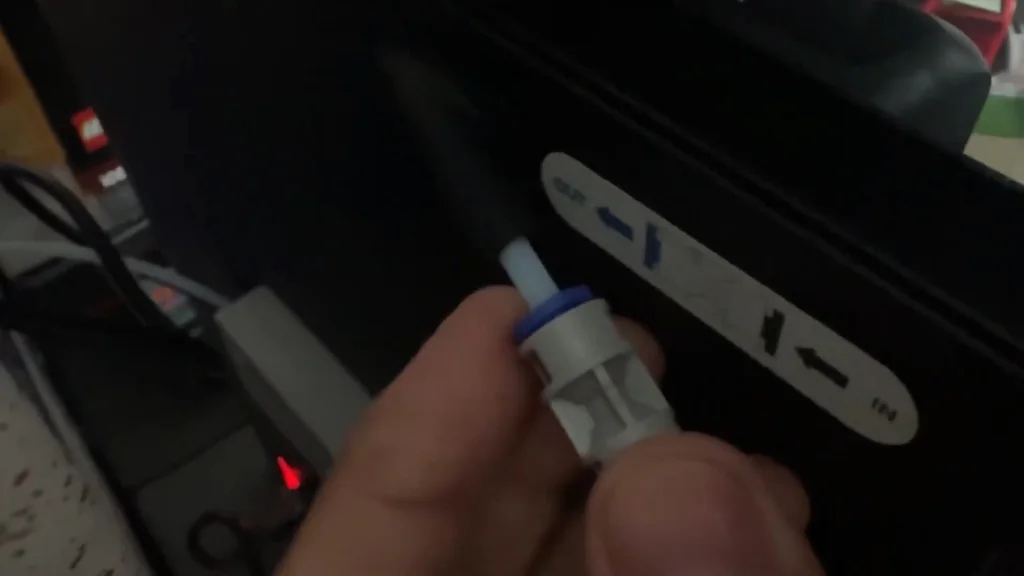
Shine a light into the tubes. Even if you think they're empty, that translucent material can be invisible to the naked eye. Turn the printer off. Safety first. Remove all filament spools from the AMS unit. Flip the AMS upside down to gain access to the internal components. You'll need to check for clogs inside the housing.
Removing the AMS Casing
The AMS casing is held in place by two screws, one on each side. Use an Allen key to back them out. Don't lose them. These screws are small. Once removed, you can pop the cover off. I've added custom 3D-printed parts to my setup to manage the filaments better, but the stock disassembly remains the same. It's a straightforward process. Just take your time.
Detaching the Filament Tubes
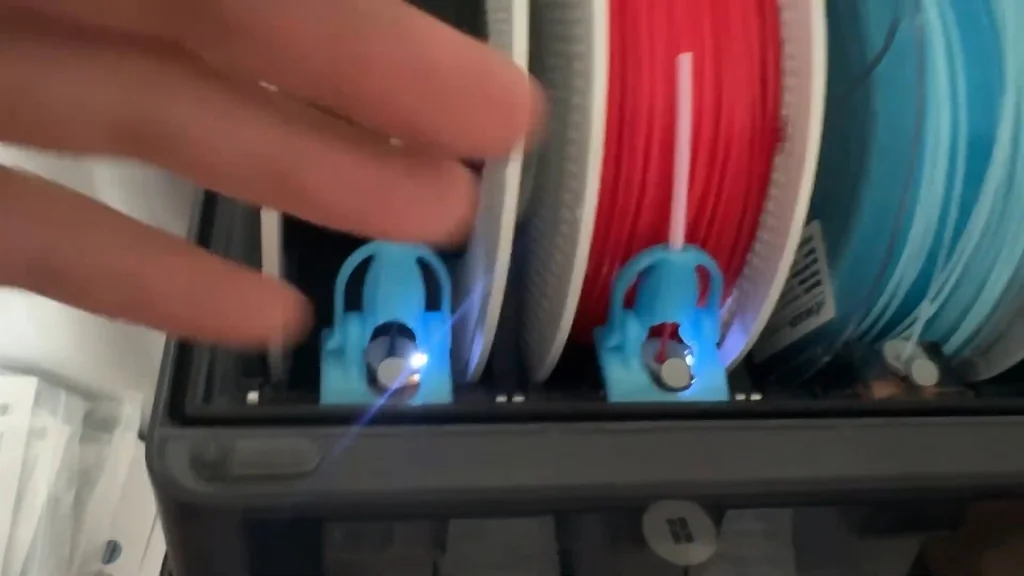
With the casing open, locate the filament tube connectors. Press the collar inwards to release the tube. It's a quick-disconnect fitting. Pull the tube out gently. In many cases, the broken filament will come out with the tube. It's that simple. If the blockage persists, you'll need to dig deeper into the internal lines.
Clearing Internal Lines
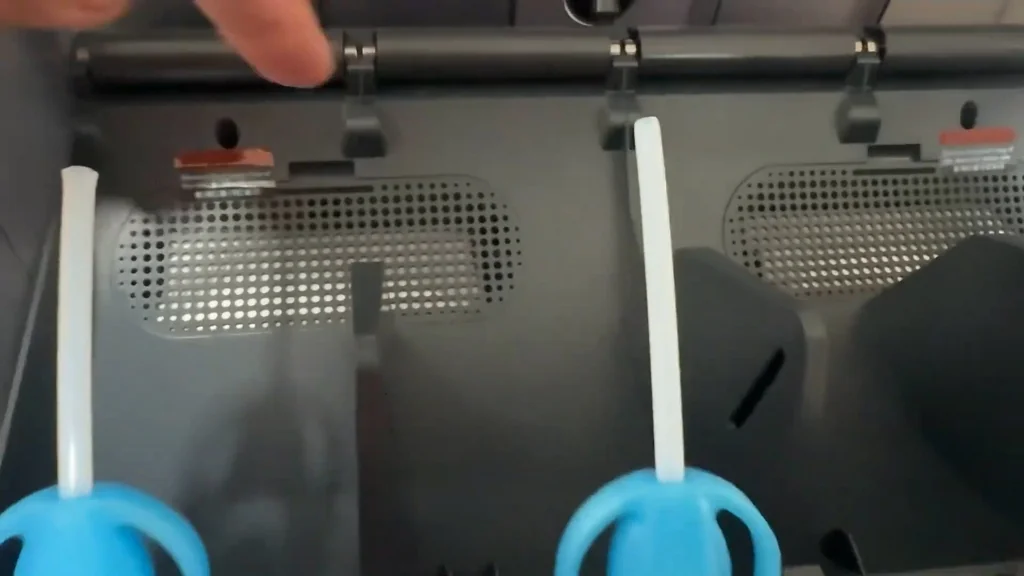
If the tube removal didn't clear the jam, the issue might be deeper. Pop the lines out completely to inspect them. Check for kinks or internal breaks. Don't force anything. You want to ensure the path is clear before re-feeding new material. If the lines are clear, the problem is likely at the nozzle or the extruder gear.
Inspecting the AMS Motor and Gears
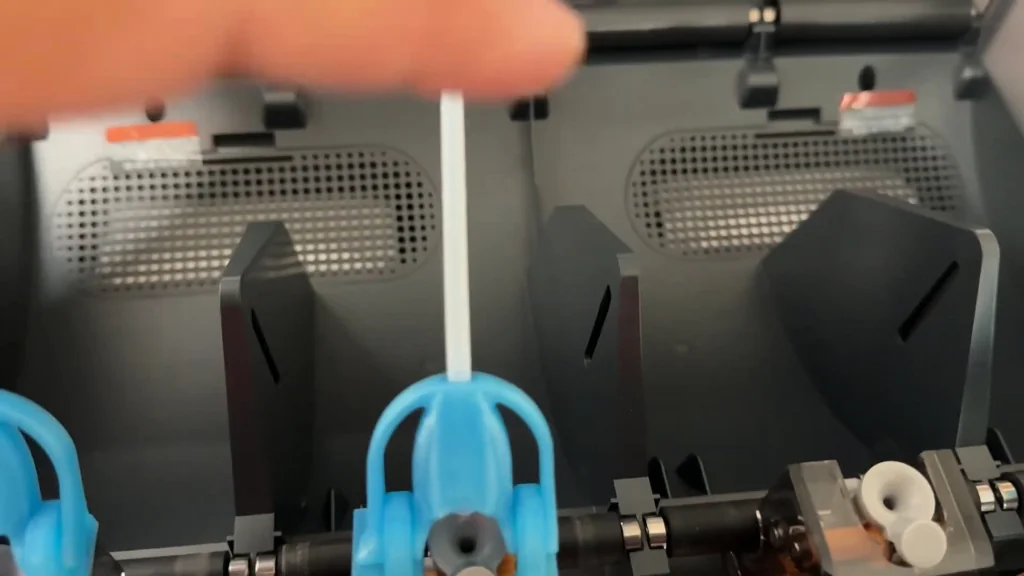
Once the unit is open, you'll see the circuit board and the motor assembly. The gear drives the filament through the lines. If a line is clogged, you'll see the broken filament fragment right at the gear interface. Shine your light directly on the gears. It's visible. You'll spot the break immediately.
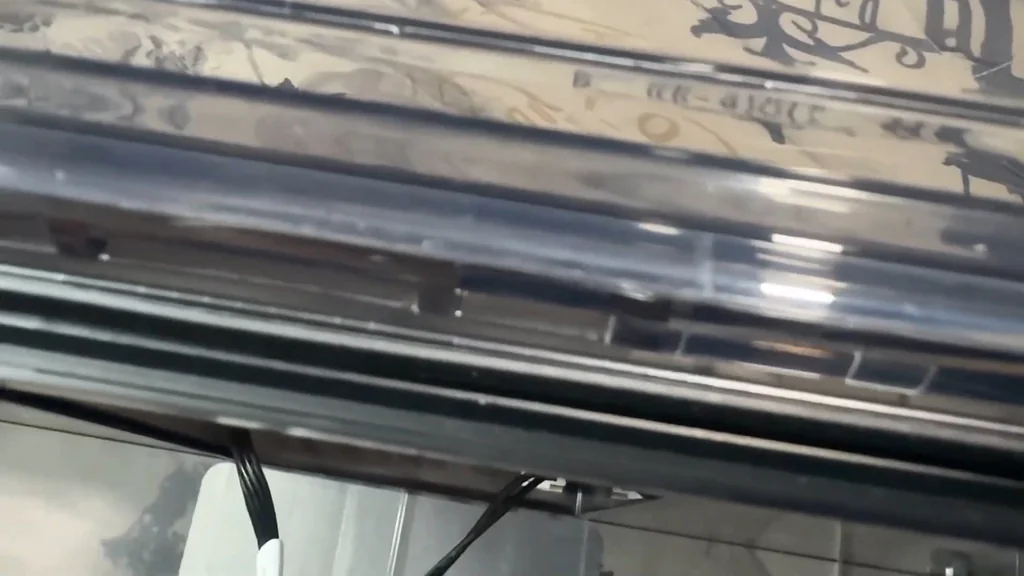
Removing Broken Filament Fragments
Push the tube connector inwards to release the tension. Pop the tube out. Remove the broken piece with needle-nose pliers. It's a clean fix. Put the tube back in and re-secure the AMS housing. If the error persists, the blockage is definitely further down in the extruder assembly.
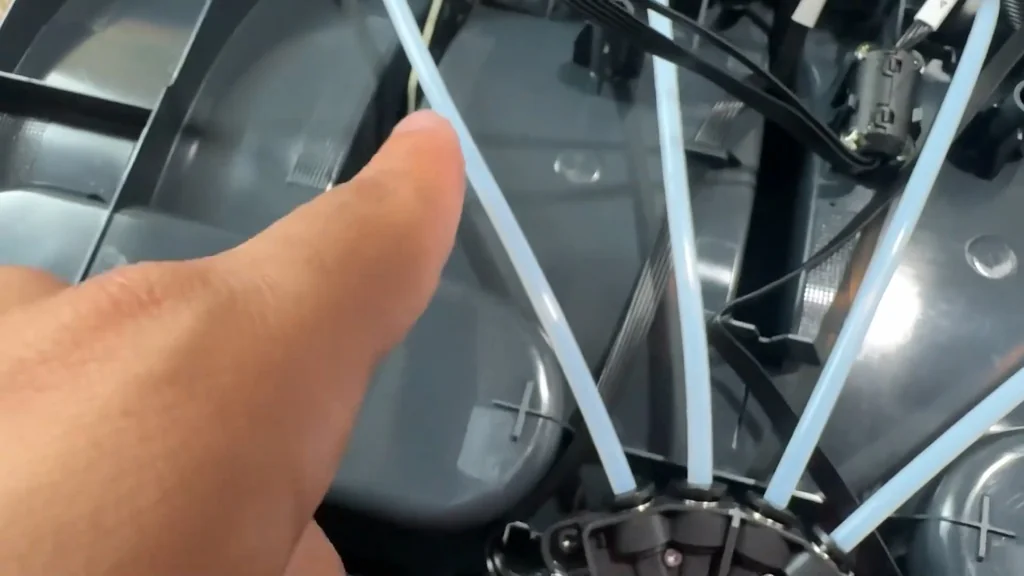
Accessing the Extruder Assembly
Push the black release lever down to access the extruder cover. Remove the cover to expose the drive gears. Check for melted filament. It's often gunked up in the teeth. This is why the printer couldn't push the material forward. The gear was slipping. It's a common failure point.
Clearing the Extruder Gear
The filament was stuck in the gear. Carefully pick out the melted debris. Once the gear is clean, you can feed the filament through again. Reassemble the extruder cover. It's ready to print. The machine should function perfectly now.
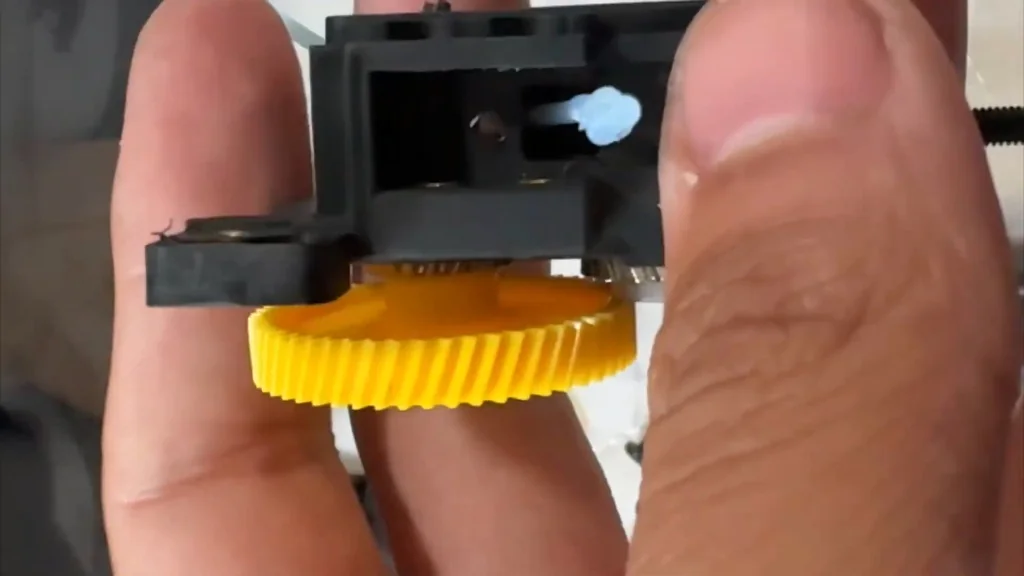
⚠️ CAUTION: SAFETY WARNING!
Always power down and unplug the printer before disassembling the AMS or extruder. Working on live electronics risks shorting the mainboard.
Summary & Tips
Clearing a filament jam requires a systematic approach to the entire material path. Start at the AMS and work your way down to the extruder gear. Most issues are simple physical obstructions that don't require replacement parts. Keep your tools handy and your workspace clean for the best results.
📋 FAQ
❓ Why does my filament keep breaking?
Usually, it's due to moisture absorption or a tight bend in the PTFE tube. Keep your filament dry. Check your guide tubes for sharp angles.
❓ Can I use a metal tool to clear the gear?
Yes, but be careful. You don't want to damage the teeth on the extruder gear. Use a plastic pick if you have one.
❓ How do I know if the clog is in the nozzle?
Usually, the extruder will click or skip when trying to feed. If the AMS is clear, the nozzle is the next place to look.
❓ Is it hard to take the AMS apart?
No, it's pretty simple. Just keep track of your screws. Don't force the plastic casing.
Disclaimer: I purchased all tools for this guide with my own money to ensure an unbiased review. This post contains affiliate links, meaning I earn a small commission if you make a purchase at no extra cost to you.