A clogged nozzle is a common hurdle when running a ugee Funbox 3D printer, often caused by filament degradation or debris build up within the hotend. Clearing this blockage requires a controlled thermal cycle to soften the material, allowing for a clean extraction. This procedure restores proper extrusion flow and prevents further print failures. It is a fundamental maintenance task for any desktop 3D printing setup.
⚡ Quick Guide: How to Clear a Clogged Nozzle
📋 In This Article
📊 Technical Specifications & Components
| Printer Model | ugee Funbox |
| Component | Hotend Nozzle |
| Operation | Thermal Clog Clearing |
| Control Interface | Mobile App |
📊 Project Overview & Costs
🔧 Difficulty Level: Easy
⏱️ Time Investment: DIY: 10-15 minutes | Pro: 5 minutes
💰 Professional Service Cost: $0
💡 Verdict: Performing this maintenance yourself saves on service fees and prevents costly hotend replacements.
🛠️ Tools & Materials Used
• ugee Funbox 3D Printer
• 3D Printing Filament
Step-by-Step Testing & Inspection
Preheating the Hotend Assembly
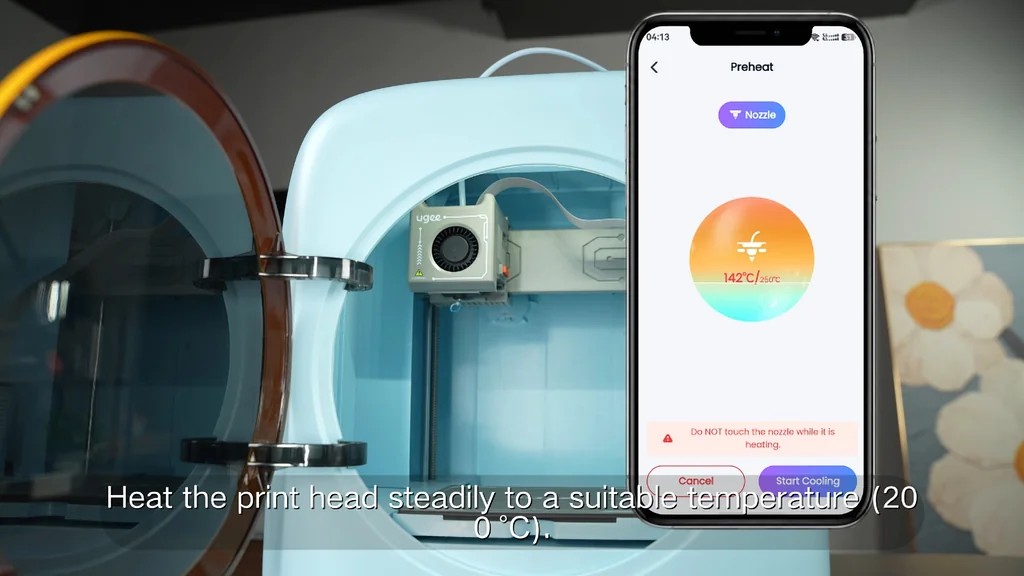
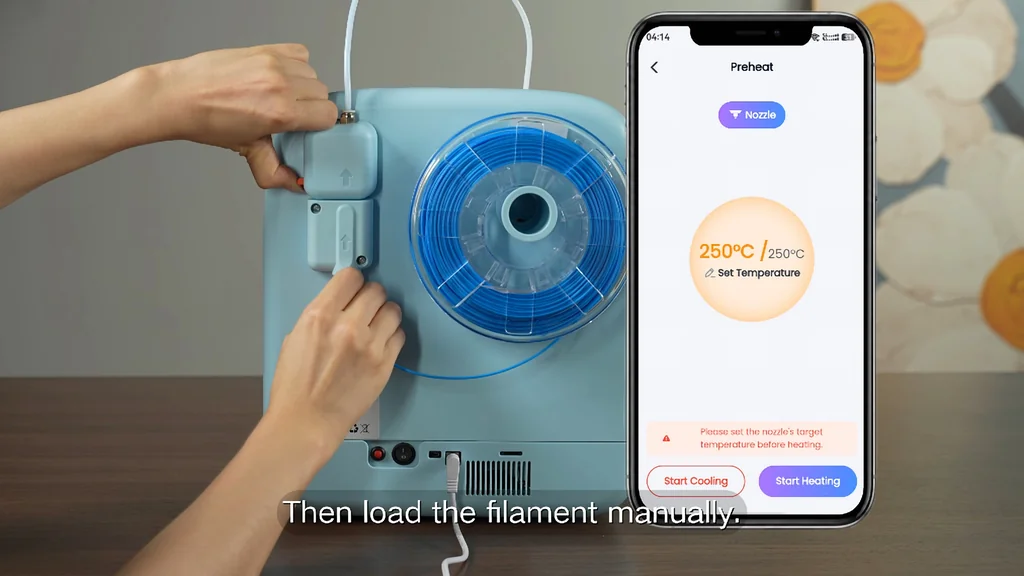
The first step in clearing a nozzle blockage is bringing the hotend up to the operating temperature of the filament currently loaded in the machine. Heat is necessary. You need to reach the melting point of the polymer to soften the obstruction inside the nozzle bore. Without sufficient heat, the filament remains rigid and will not move. It's stuck tight. Monitor the printer's status to ensure it reaches the target temperature before attempting any mechanical movement of the filament.
Managing Printer Controls via App
The ugee Funbox utilizes a mobile application to interface with the printer's firmware for manual control. Use the app. This interface allows you to command the extruder motor and manage heating cycles remotely. It's intuitive. Navigate to the maintenance or extrusion menu to initiate the filament feed or retract commands. This digital control is essential for precise movement during the clearing process.
Loading and Purging Filament
Once the hotend is at temperature, you can begin the process of purging the old, clogged material. Feed the new blue filament into the intake port while the extruder motor is engaged. The new material acts as a plunger. It pushes the degraded plastic out through the nozzle tip. Watch the nozzle for consistent extrusion. It should flow smoothly. If the flow is uneven, repeat the process until the extruded filament appears clean and uniform in color.
Cooling the Hotend System
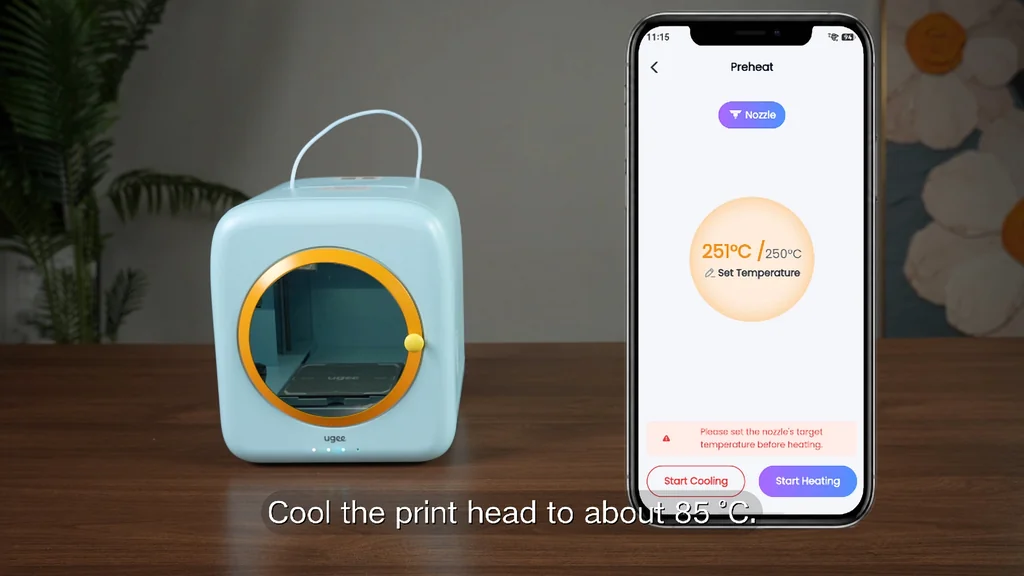
After the blockage is cleared, you must bring the temperature down to a safe level. Cooling is vital. This prevents heat creep, where the heat travels up the throat of the hotend and causes premature melting of the filament in the cold zone. It's a risk. Allow the fans to run until the hotend reaches ambient temperature. Do not touch the nozzle during this phase as it remains extremely hot. Safety first. Always wait for the system to signal that it is safe to handle.
Final Filament Reloading
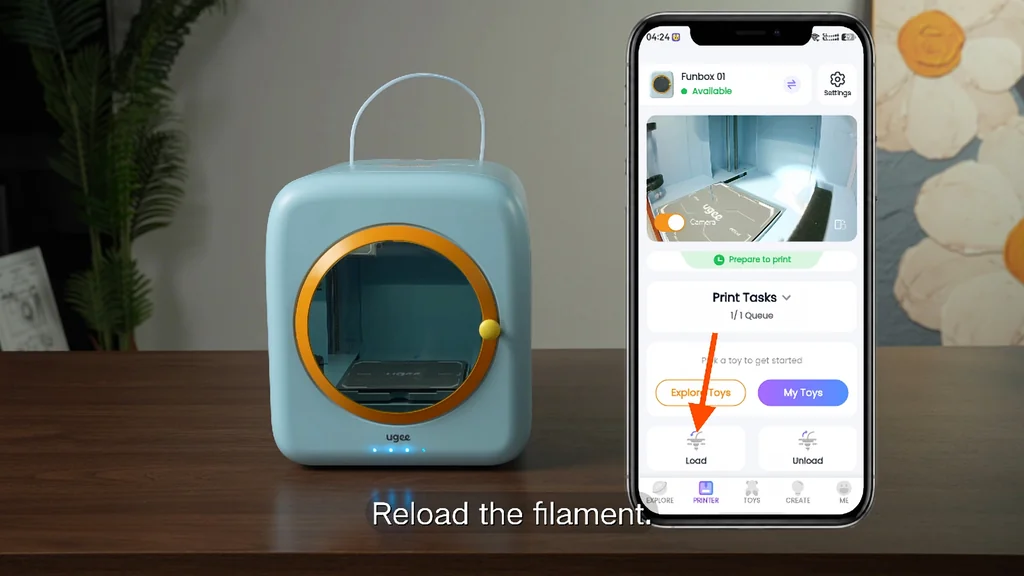
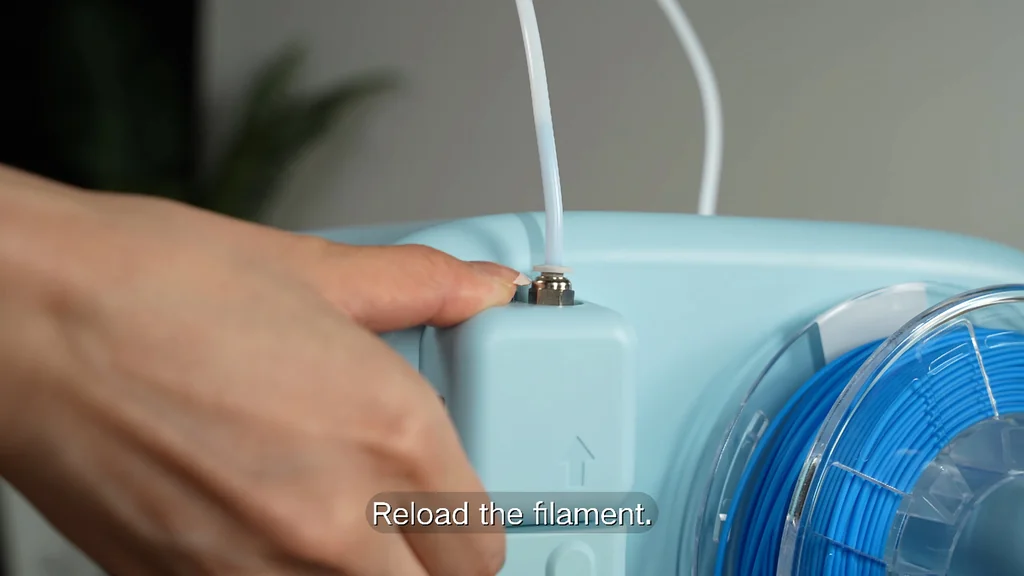
The final stage involves loading the white filament to prepare the printer for its next job. Insert the material into the guide tube. It needs to seat properly. Use the app to trigger the load command, ensuring the filament is gripped by the extruder gears. Check the nozzle tip for a clean, consistent bead of white plastic. It's ready now. Your printer is back in service and ready for production.
⚠️ CAUTION: SAFETY WARNING!
The hotend assembly reaches temperatures capable of causing severe burns. Always treat the nozzle and heater block as high-temperature hazards.
Summary & Tips
Clearing a nozzle is a standard part of 3D printer ownership. You have successfully restored flow to the extrusion system. Regular maintenance prevents these issues from recurring. Keep your filament dry and your nozzle clean for the best results.
📋 FAQ
❓ How often should I clean the nozzle?
Usually, you only need to clean it when you notice extrusion issues. If prints start failing or the flow is inconsistent, that's your sign. It's not a daily task.
❓ Can I use a metal needle to clear it?
Yes, you can use a nozzle cleaning needle if the clog is right at the tip. Be careful not to damage the internal bore. It's a delicate operation.
❓ Why does the filament keep clogging?
Depends on your material and temperature settings. High heat for too long can cause degradation. Check your slicer settings.
❓ Is the app necessary for this?
Honestly, the app makes it much easier to control the extruder motor. You could do it manually, but the app is the intended interface. It's very convenient.
Disclaimer: I purchased all tools for this guide with my own money to ensure an unbiased review. This post contains affiliate links, meaning I earn a small commission if you make a purchase at no extra cost to you.