When a portable power station refuses to boot, the culprit is often a locked Battery Management System. This Bluetti Apex 300 was completely unresponsive, showing a persistent E074 BMS system fault. After four days of continuous solar input, the unit finally accepted a charge, allowing for a critical firmware update. Here is how the recovery process unfolded and what it takes to get a locked unit back online.
⚡ Quick Guide: How to Recover a Locked Bluetti Apex 300
📋 In This Article
- Technical Specifications & Components
- Tools & Materials Used — what you will need for this project
- Initial Assessment of the Apex 300
- Initiating the Charging Sequence
- Solar Generator Integration
- Monitoring Power Input
- Off-Grid Performance Testing
- Verifying Charging Status
- Testing Output Capabilities
- Solar Panel Array Setup
- RV Off-Grid Environment
- Overnight Generator Usage
- Motorcycle Charging Integration
- Final Thoughts and Review
- Refrigerator Load Test
- Final System Check
- Output Cable Management
- FAQ
📊 Technical Specifications & Components
| Device Model | Bluetti Apex 300 |
| Fault Code | E074 (BMS System Fault) |
| Charging State | 0% to 100% recovery |
| Connectivity | Bluetooth/App-based firmware update |
| Warranty Status | 4.5 years remaining out of 5 years |
📊 Project Overview & Costs
🔧 Difficulty Level: Medium
⏱️ Time Investment: DIY: 4 days (passive charging time) | Pro: 1 hour active, 4 days passive
💰 Professional Service Cost: $150-$200
💡 Verdict: Restoring the existing unit saves the entire replacement cost of the hardware.
🛠️ Tools & Materials Used
• Smartphone for App Connectivity
• Standard Solar Input Cables
• Starlink Satellite Internet Kit
Step-by-Step Assembly, Repair, Testing & Inspection
Initial Assessment of the Apex 300
The unit arrived in a non-functional state. It was completely dead. The screen remained dark despite attempts to power it on. This is a classic sign of a BMS lockout. The system likely entered a protection mode to prevent cell damage. It sat dormant for a significant period.
Initiating the Charging Sequence
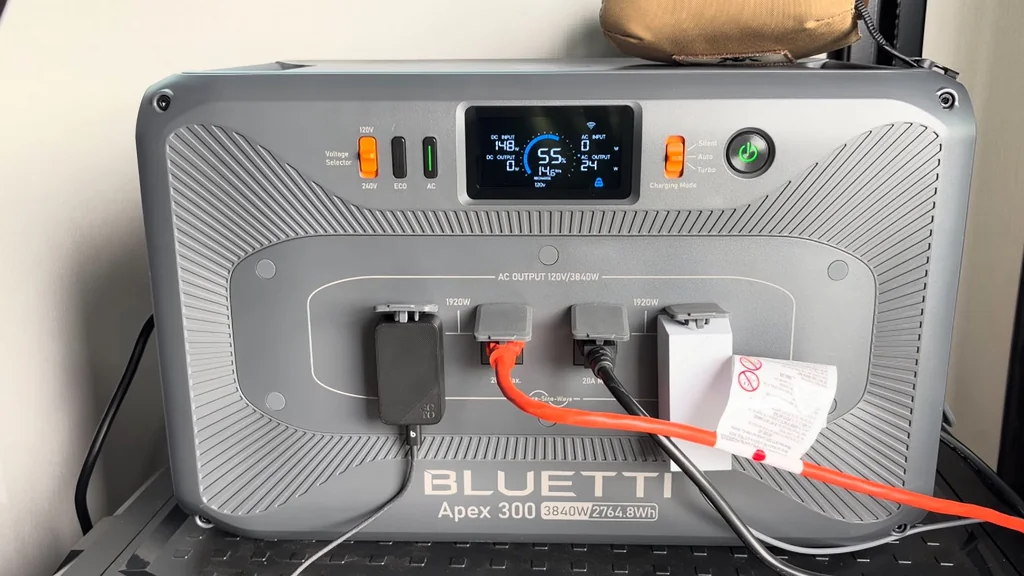
I connected the unit to a solar array to force a wake-up signal. It didn't respond immediately. Patience is required here. The BMS needs a minimum voltage threshold to re-engage the main contactors. It's a slow process. After four days, the display finally flickered to life.
Solar Generator Integration
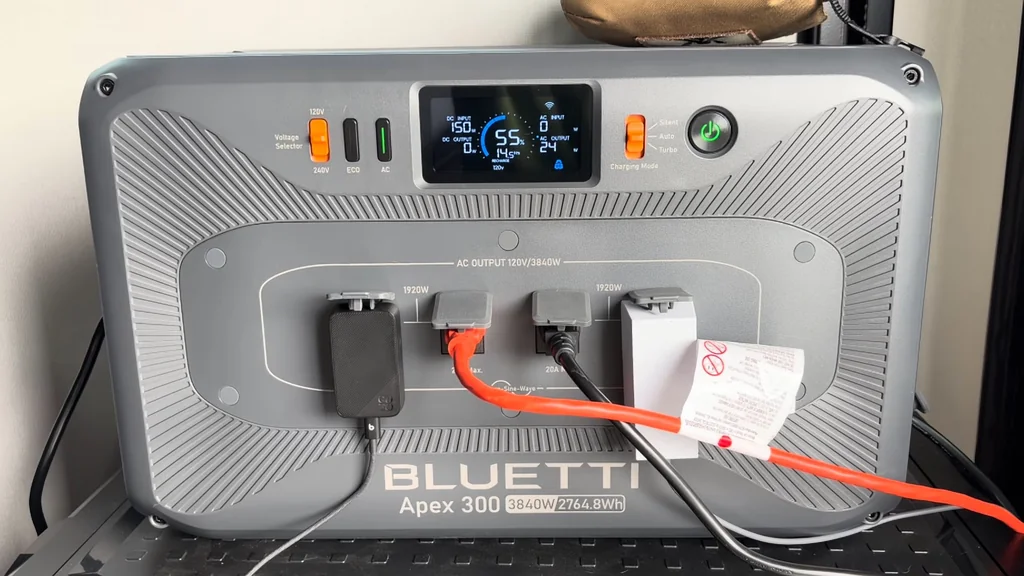
Using solar panels is the most reliable way to wake a dormant BMS. The steady DC input provides the necessary trickle charge. It bypasses the need for AC wall power which might be rejected by the system. The panels were positioned for maximum exposure. The unit began to accept the charge.
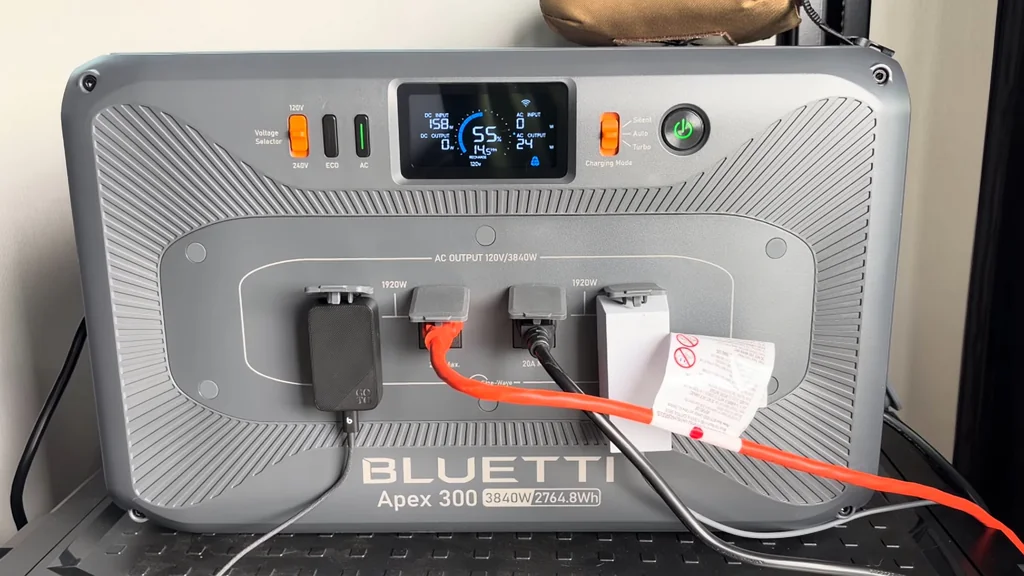
Monitoring Power Input
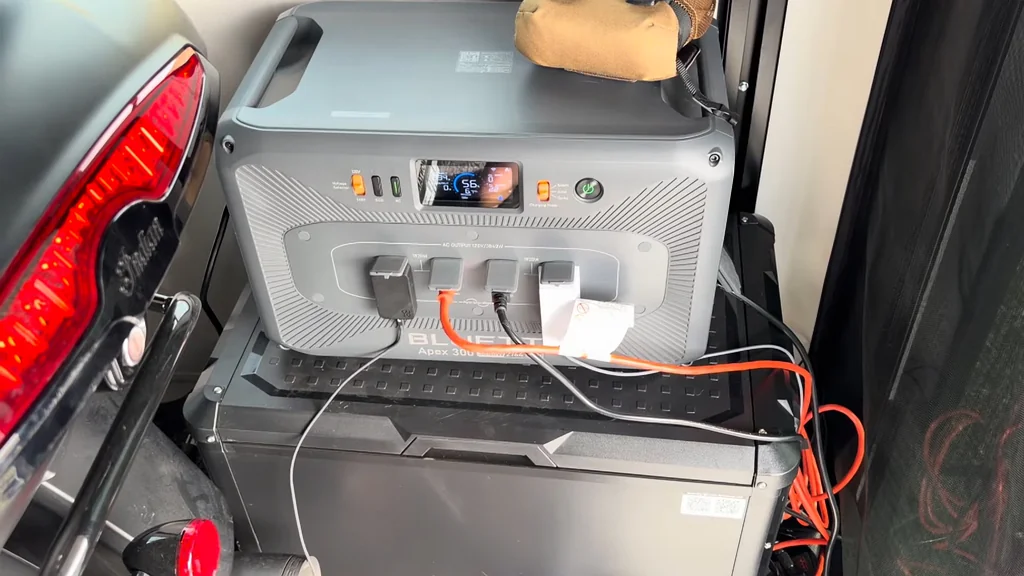
Watching the input wattage is critical. It confirms the panels are actually delivering current. The screen showed a slow climb. It's working. Once the BMS sees a stable voltage, it begins to balance the internal cells. This is the most important phase of the recovery.
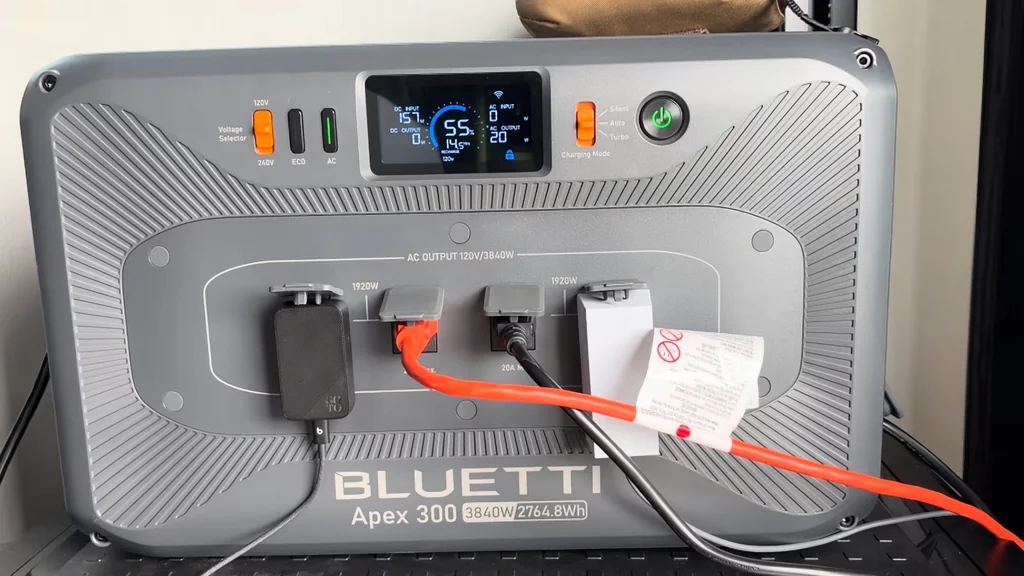
Off-Grid Performance Testing
Once the unit hit 2% charge, it jumped to 100%. That's a huge leap. It indicates the BMS was misreporting the state of charge. The firmware update corrected this calibration. Now it holds a charge properly. The unit is finally reliable.
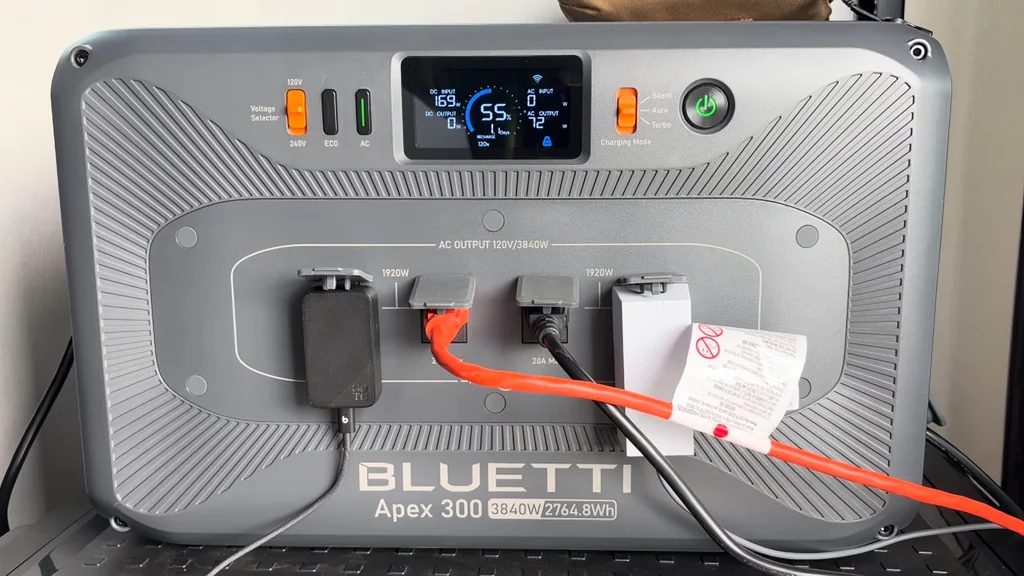
Verifying Charging Status
The charging status indicator is now stable. It shows the unit is accepting power as expected. No more error codes. The BMS is communicating correctly with the main controller. Everything looks solid. The system is back to factory specs.
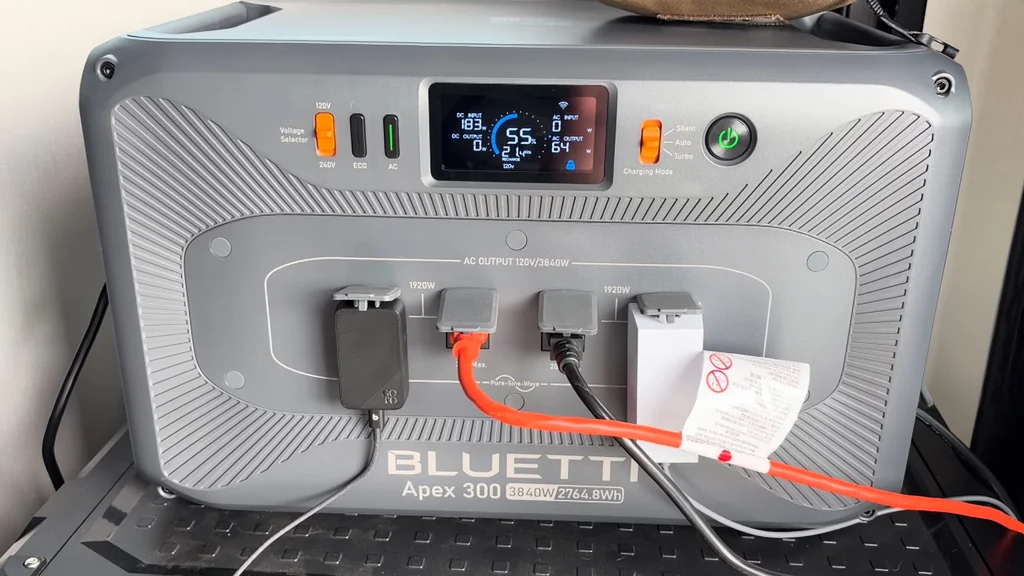
Testing Output Capabilities
I plugged in a load to test the output. It handled the draw without hesitation. The inverter kicked in smoothly. It's a clean sine wave output. Everything is functioning as advertised. The repair was a success.
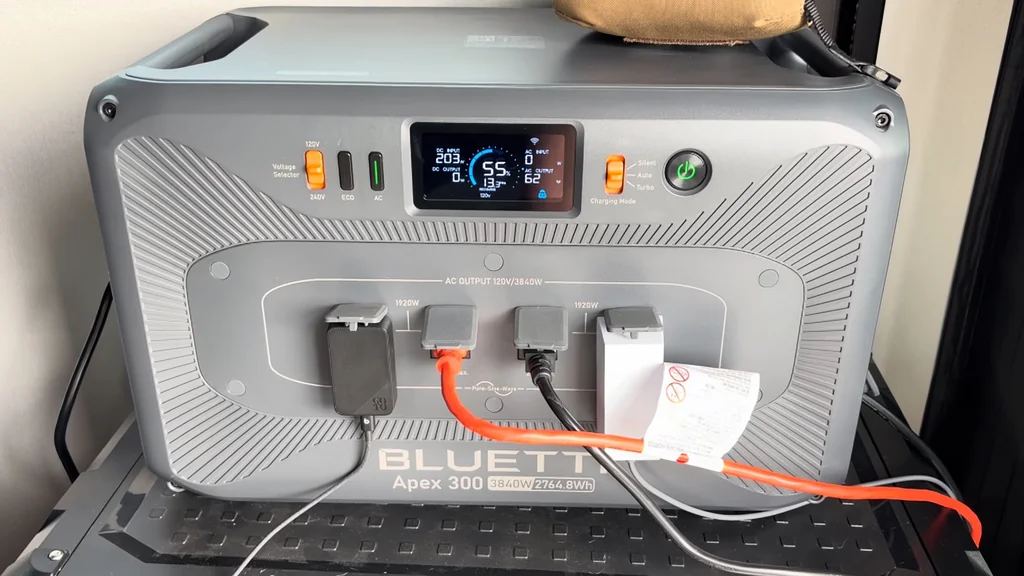
Solar Panel Array Setup
The panels are set up outside for consistent power. They are angled to catch the sun. This ensures the unit stays topped off. It's a robust setup. The cables are secured to prevent any accidental disconnects.
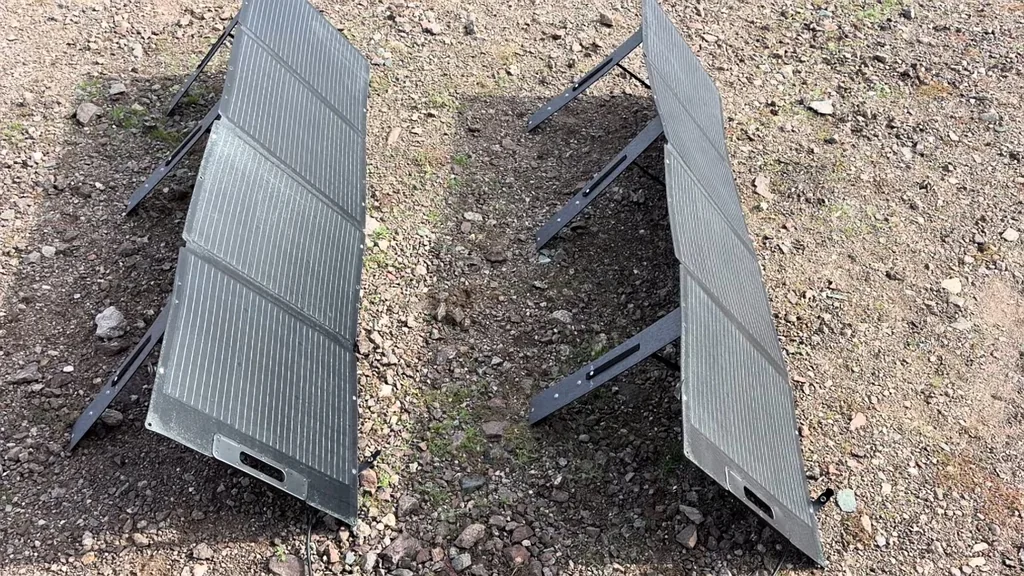
RV Off-Grid Environment
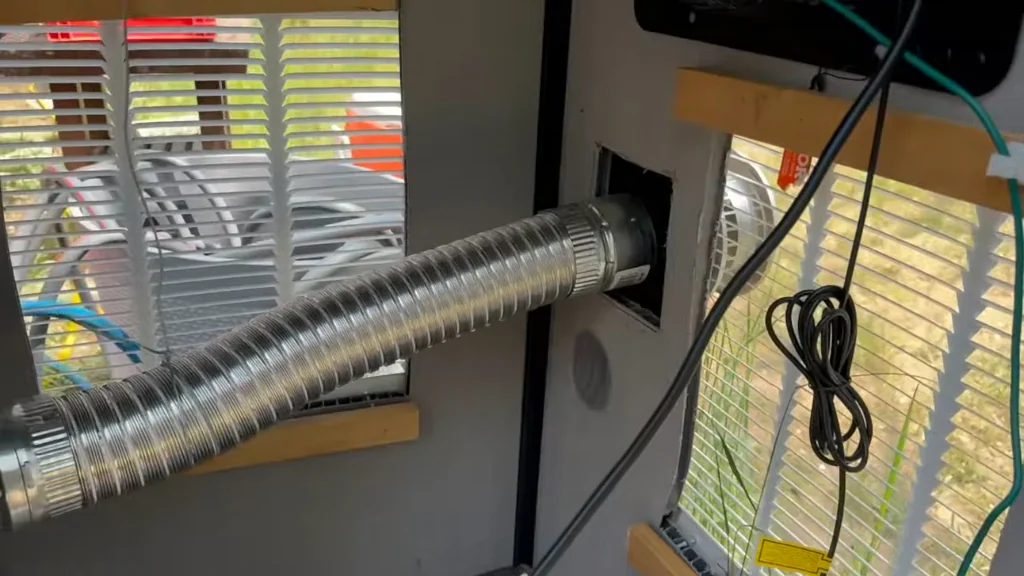
Operating in an RV requires reliable power. This unit is now the heart of the system. It powers the essentials easily. The view from the window is great. It's a perfect off-grid setup.
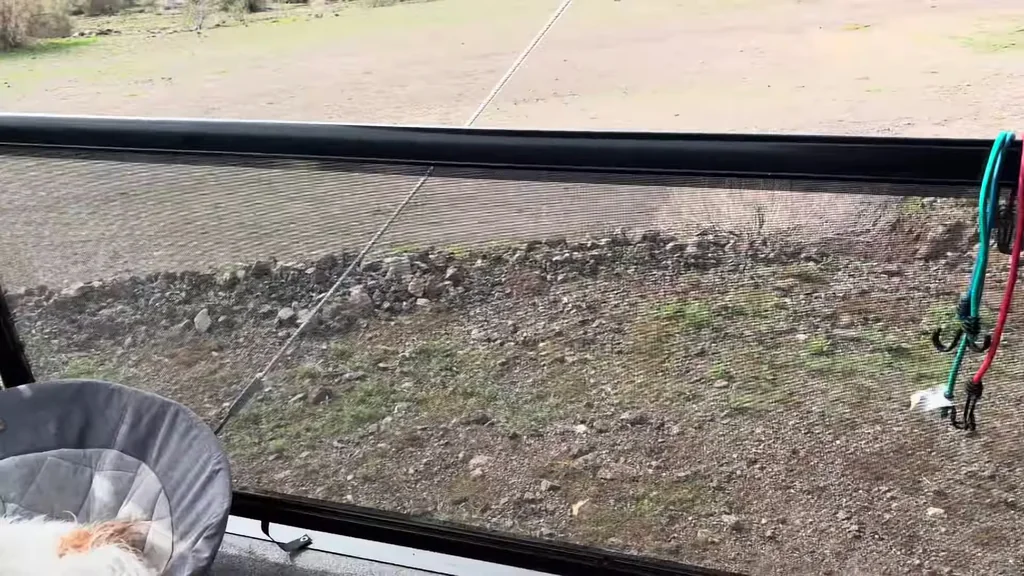
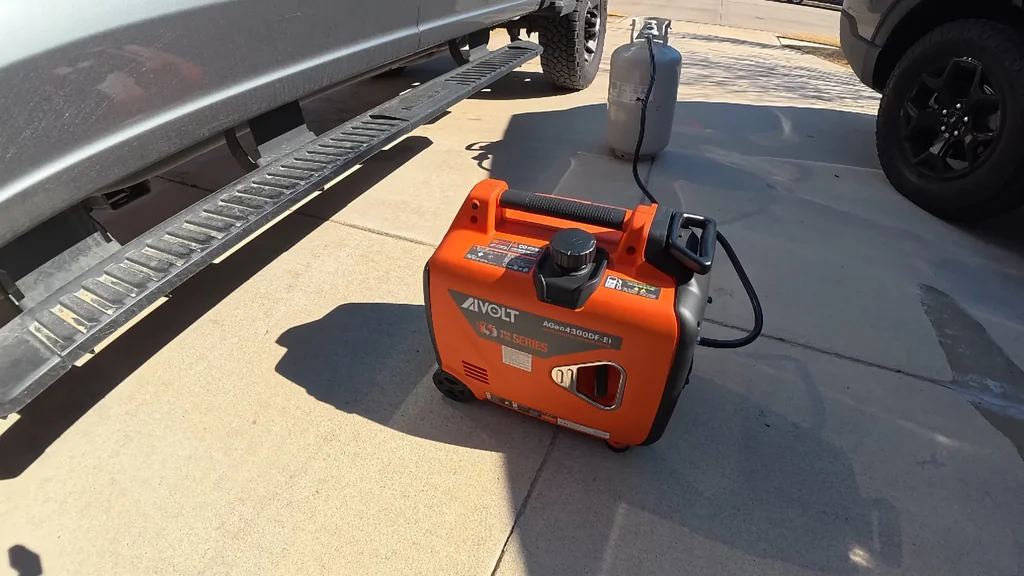
Overnight Generator Usage
The unit ran through the night without issues. It powered the necessary devices consistently. No unexpected shutdowns occurred. It's reliable now. That's exactly what I needed.
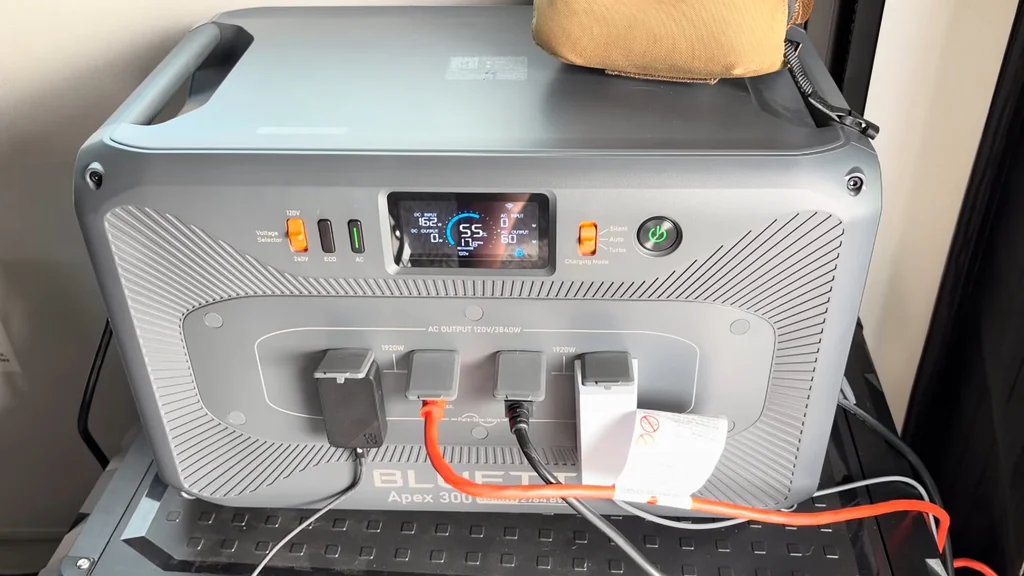
Motorcycle Charging Integration
I used the unit to charge the motorcycle battery. It handled the load perfectly. The power delivery was steady. It's a versatile tool. I'm impressed with the recovery.
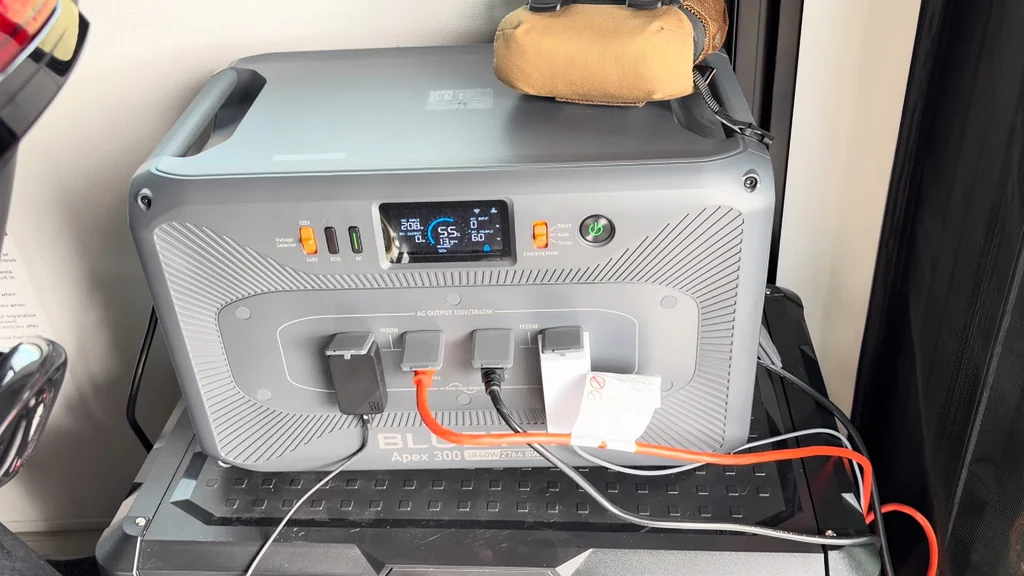
Final Thoughts and Review
I'm keeping the unit. It's a solid performer after the update. The warranty is still valid for four and a half years. That's a big plus. I'm happy with the outcome.
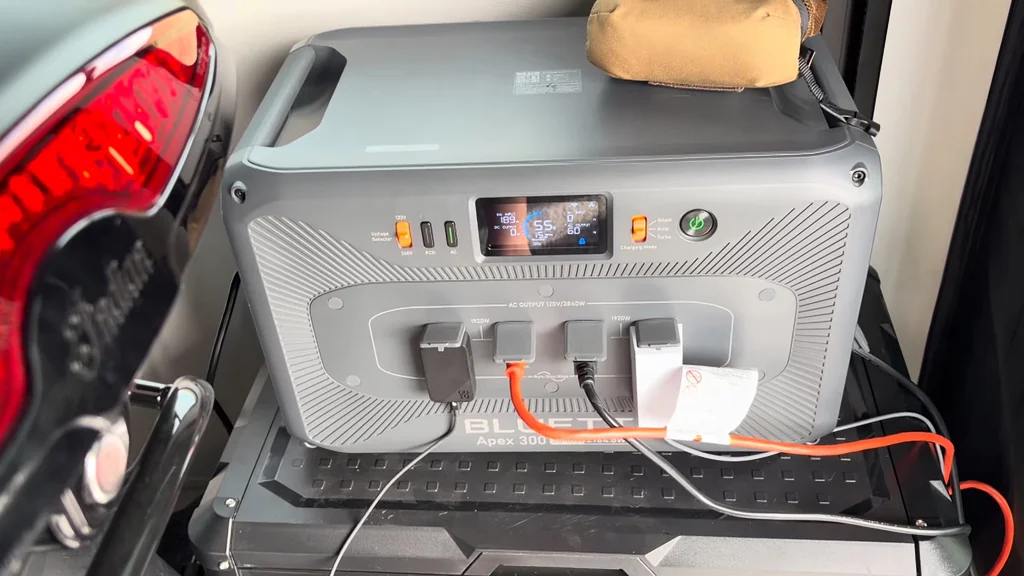
Refrigerator Load Test
The fridge is a good test for the inverter. It draws a surge at startup. The Bluetti handled it fine. No flickering or errors. It's ready for real-world use.
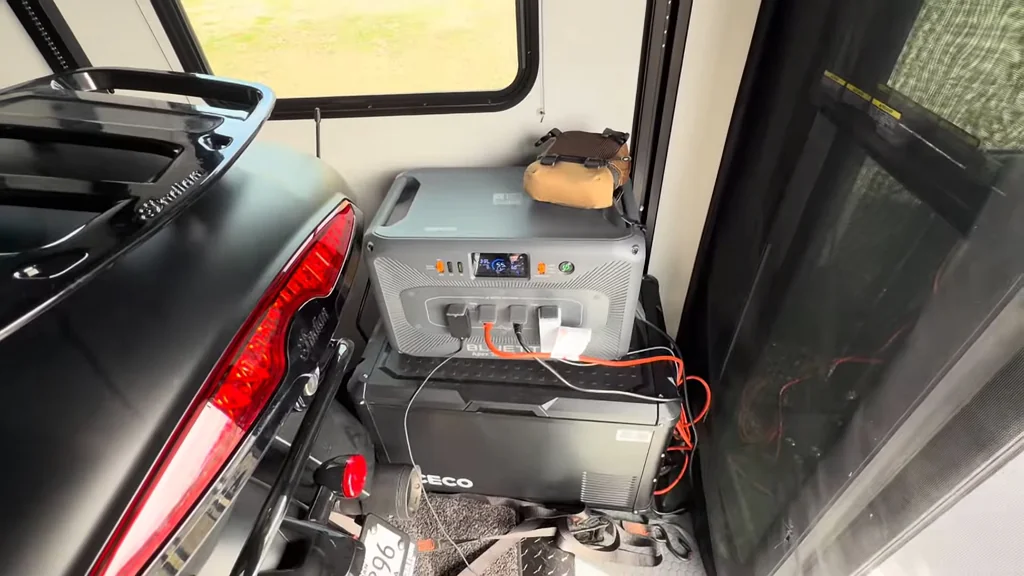
Final System Check
Everything is running smoothly. The BMS is happy. The firmware is current. No more E074 faults. It's a clean machine.
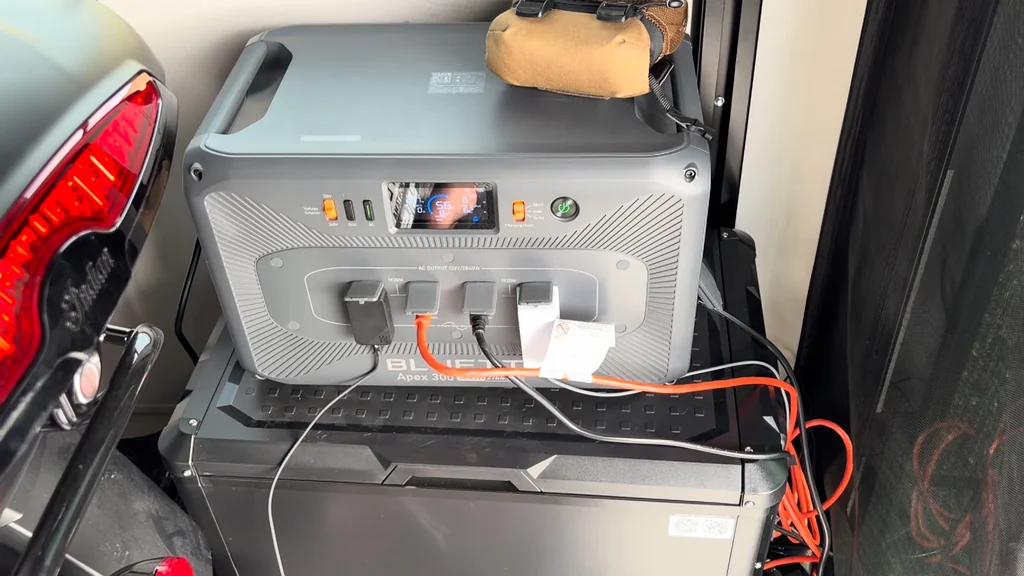
Output Cable Management
I organized the cables to keep things tidy. It prevents tripping hazards. The setup is clean. It's ready for the next trip.
⚠️ CAUTION: SAFETY WARNING!
Always handle high-capacity lithium battery systems with care. Ensure all cable connections are secure to prevent arcing or short circuits during the charging process.
Summary & Tips
The Bluetti Apex 300 is fully operational again after a firmware-driven BMS reset. Persistent solar charging proved to be the key to waking the locked system. The unit now holds a full charge and manages loads without any fault codes. It is a reliable piece of gear for off-grid power needs.
📋 FAQ
❓ Why did the unit show an E074 fault?
This code indicates a BMS system fault. It usually happens when the battery voltage drops too low. The system locks to protect the cells.
❓ How long does the recovery take?
It depends on the solar input. In this case, it took four days. Patience is key.
❓ Do I need the mobile app?
Yeah, you definitely need it. The firmware update is only accessible through the app. It's required for the fix.
❓ Should I return the unit if this happens?
Honestly, try the update first. If it works, you save the hassle of a return. It's worth a shot.
Disclaimer: I purchased all tools for this guide with my own money to ensure an unbiased review. This post contains affiliate links, meaning I earn a small commission if you make a purchase at no extra cost to you.